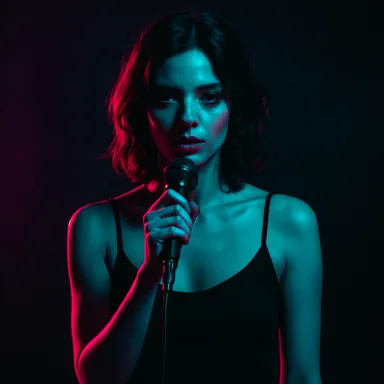
A prompt for a music video scene has a different job than a prompt for a single image. It has to support a larger sequence.
The best prompts describe identity, location, camera, action, lighting, and story purpose. That gives every frame a reason to exist.
Write a Recipe, Not a Keyword List
Keyword piles create generic results. A scene recipe creates direction.
Anchor the Character
If the same performer appears across scenes, keep a stable character description or reference image. Change the pose and action, but keep the identity stable.
- Face structure, age, hair, skin tone, and outfit stay consistent.
- Scene action changes with each lyric beat.
- Lighting and camera adapt to the location without hiding the face.
Direct the Camera
Use real music-video shot language: establishing shot, medium shot, close-up, detail shot, tracking shot, hero shot. This creates rhythm across the storyboard.
A good storyboard rotates shot types. If every scene is a medium shot, the video feels flat.
Use Physical Lyric Placement
When lyrics appear inside a scene, they should live on real surfaces: glass, walls, LED screens, signs, paper, fog, dashboards, or projection panels.
This makes lyric text feel designed instead of pasted on top.
Example videos
Finished theme music videos — click a card to watch.
 Video
Video
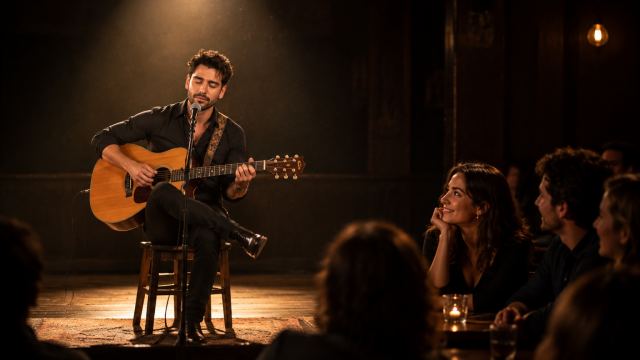
Bu_Ne_Endam_BAKGUN by burak32. Song style metadata: other. Use the selected song title, lyrics/LRC timing, audio structure, mood, genre, pacing, and emotional arc
 Video
Video
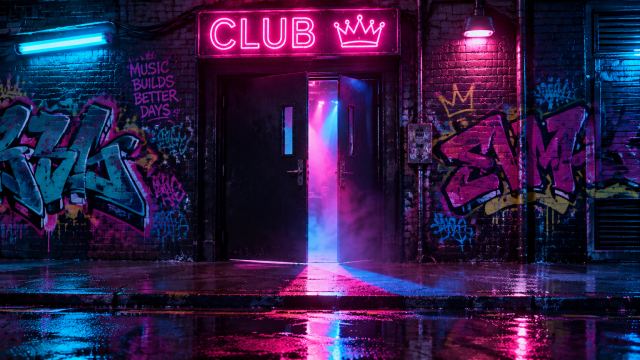
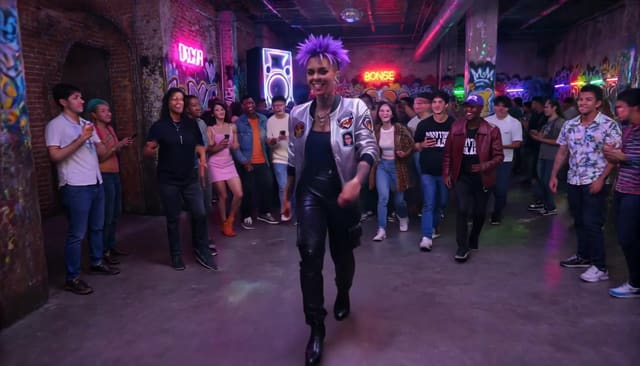
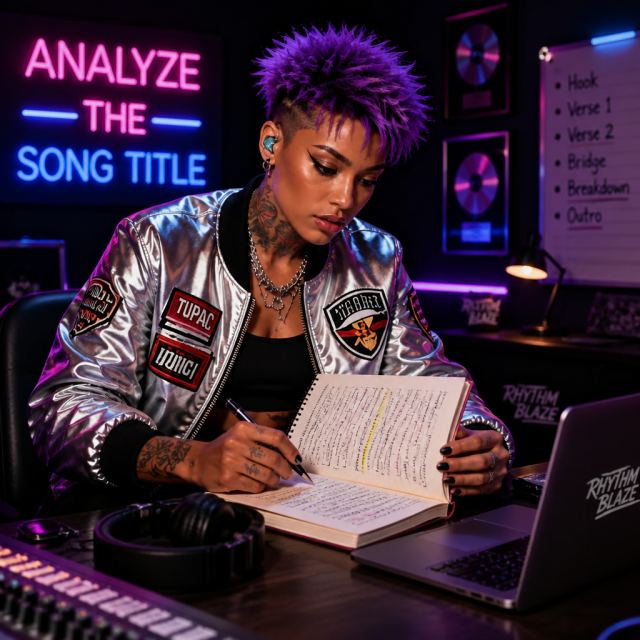
PRIMARY CHARACTER LOCK: Rhythm Blaze is the protagonist/singer identity in every scene image and every scene video. Preserve this exact identity and wardrobe/material cues: Rhythm Blaze is a young mixed heritage artist with a striking blend of Black and East Asian features. Her short, spiky purple hair gleams under neon lights, while bold, colorful tattoos snake up her arms, showcasing her love for music and art. She's dressed in a futuristic silver metallic bomber jacket adorned with patches of classic hip-hop legends, paired with high-waisted black leather cargo pants and chunky platform sneakers. The setting is an underground club, illuminated by vibrant strobe lights and graffiti art on the walls. Carries a microphone. If story text says generic words like "young woman", "young man", "person", "protagonist", "performer", or describes a conflicting outfit, reinterpret that as Rhythm Blaze. Do not invent a different human, age, face, hairstyle, dress, hat, or wardrobe. Only add temporary scene-appropriate props/accessories that do not hide or replace the reference identity. Story-Locked MV rules: each scene is one complete full-frame GPT Image 2 keyframe. The lyric/story beat controls the visible character action; the downloaded location photo controls the scene plate; the selected character image controls identity only
 Video
Video
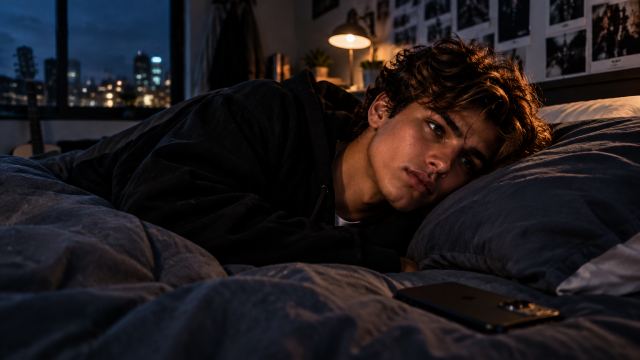
Create a cinematic narrative music video for JustX and SEEN. JustX is the ONLY main artist and protagonist. Keep the attached @ref1 identity consistent throughout: same youthful face, dark structured hair, warm brown/hazel eyes, natural skin, youthful proportions and recognizable appearance. Never replace, age, mature or redesign him. CORE STORY: Being left on “seen” → waiting → overthinking → memories → emotional distance → self-doubt → self-realization. The smartphone represents the present and the need to be seen. Reflections represent self-perception. Memories feel warmer and softer than the present. By the final chorus, JustX puts the phone away and stops waiting for someone else to choose him. Emotional resolution: “Ora finalmente vedo me.” VISUAL WORLD: High-end cinematic realism, intimate coming-of-age film, natural skin, shallow depth of field, subtle film texture. Palette: midnight, navy, graphite, stone, cream with restrained warm highlights. Locations: JustX's bedroom at night, window reflections, quiet streets, night city, rooftop, intimate memory spaces and early morning. Use recurring motifs: smartphone glow, seen message, reflections, window glass, photographs, headphones and finally the phone left behind. STORY FLOW: Intro — establish JustX awake at night. Verse 1 — message, seen status, waiting and repeated phone checking. Chorus — emotional escalation and overthinking. Post — screen and reflection imagery. Verse 2 — memories of the person and shared moments. Pre-chorus — return to reality and growing distance. Second chorus — JustX moves through the night city. Bridge — turning point: he realizes he does not need the other person to choose him. Final chorus — he puts the phone away and begins to see himself differently. Outro — quiet morning and emotional self-worth. Create approximately 28–30 coherent cinematic scenes across the full song. Use meaningful visual beats, not one scene per lyric line. Verses are intimate and observational; choruses open the visual space; the bridge is the emotional turning point; the final chorus resolves the story. Use varied cinematic camera language: close-ups, medium shots, environmental wides, reflections and controlled movement. Avoid repetitive walking shots. Do NOT create cyberpunk, futuristic interfaces, fashion-editorial, glossy influencer, boy-band, childish or generic AI music-video aesthetics. Do not introduce random characters or unrelated locations. Keep JustX visually consistent
 Video
Video
super-cool-funk-v1 by jason. Song style metadata: other. Use the selected song title, lyrics/LRC timing, audio structure, mood, genre, pacing, and emotional arc
Example characters and storyboard frames
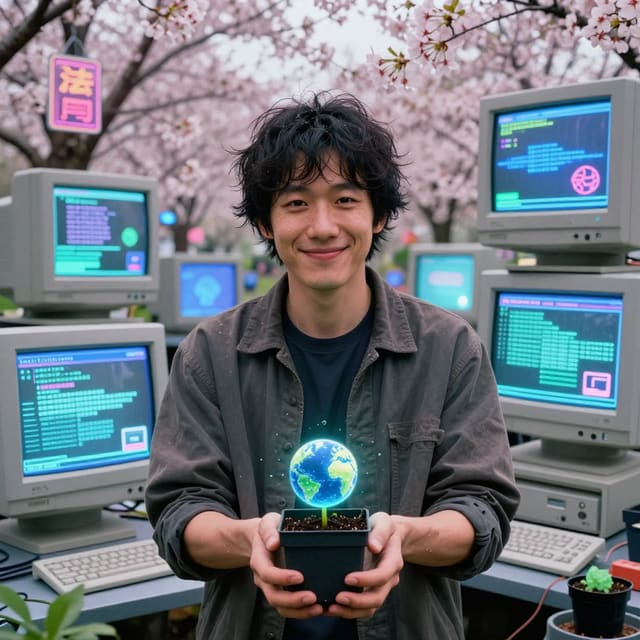
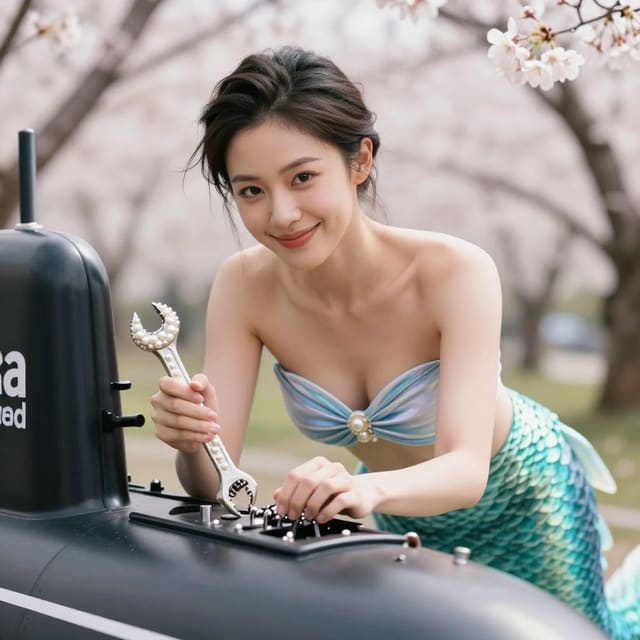
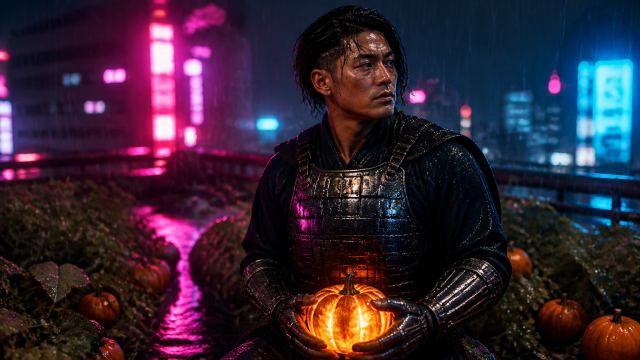
Theme characters from the AIMusicVideo.com gallery.
Frame
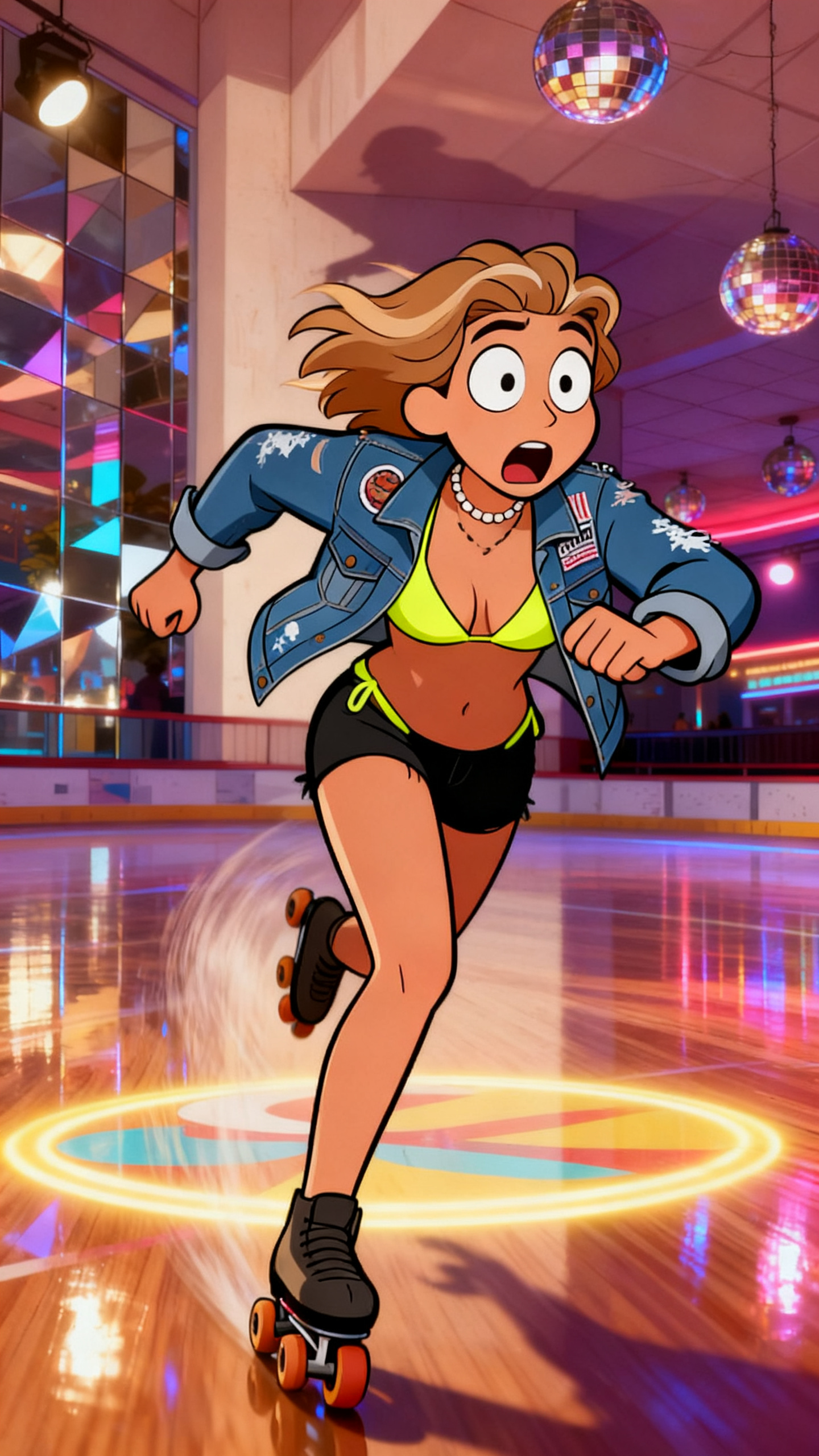
A prompt should define lighting, camera, action, location, and story purpose.
 Frame
Frame
Character consistency works best when the same identity moves through concrete sub-locations.
 Frame
Frame
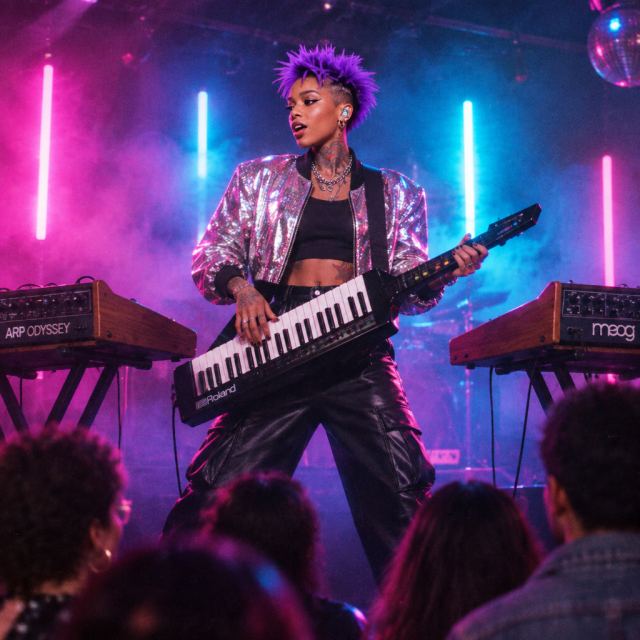
Performance prompts should rotate between wide shots, close-ups, and stage details.
 Character
Synth 80s
 Character
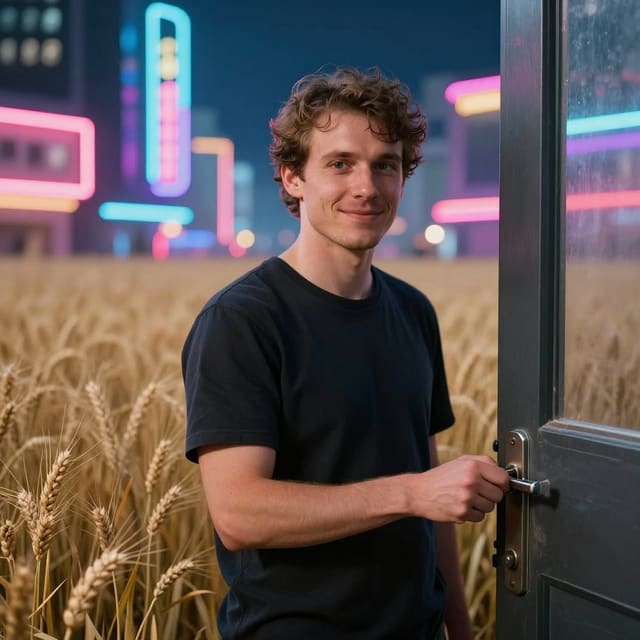
Futurist Chronophotography
 Character
Cyberpunk neon
 Character
High Fashion Editorial
 Character
 Character
Neon Samurai
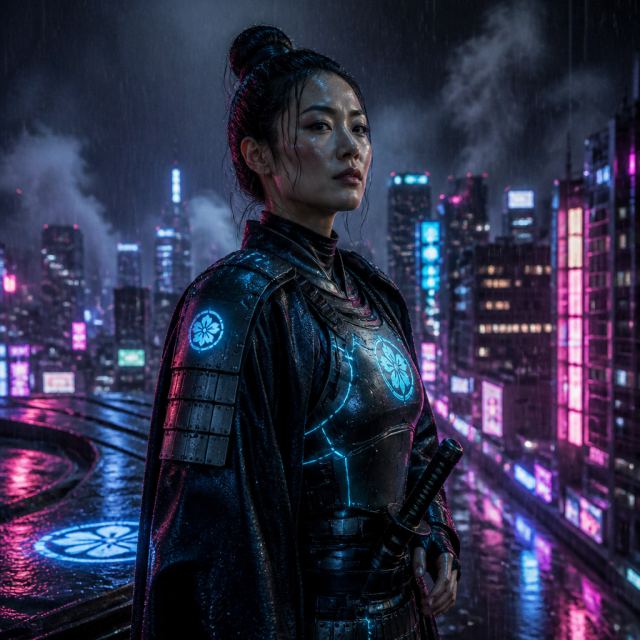 Character
Neon Samurai
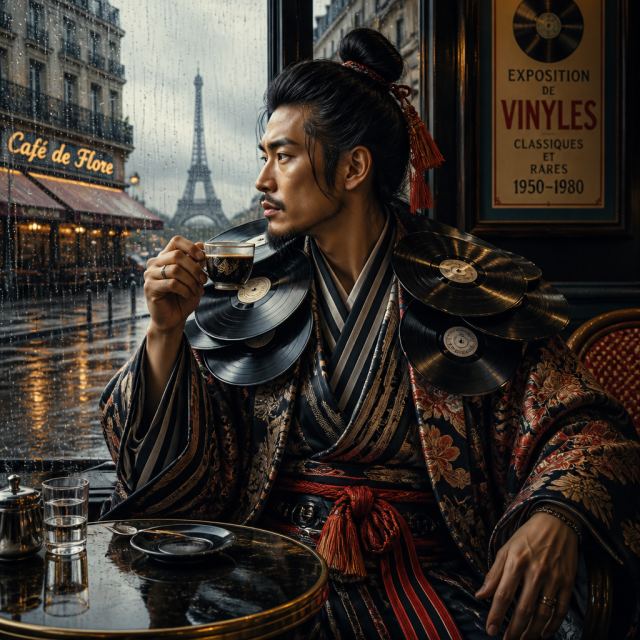 Character
Avant-Garde Thrift Fashion
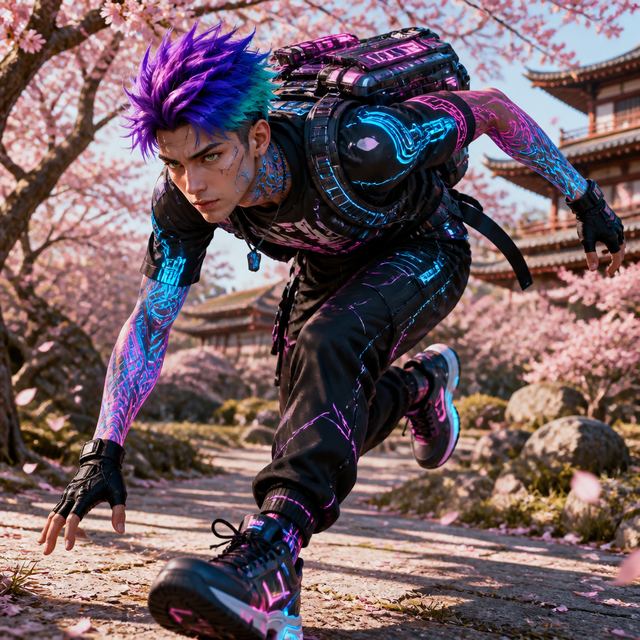 Character
Cartoon in Real Scene
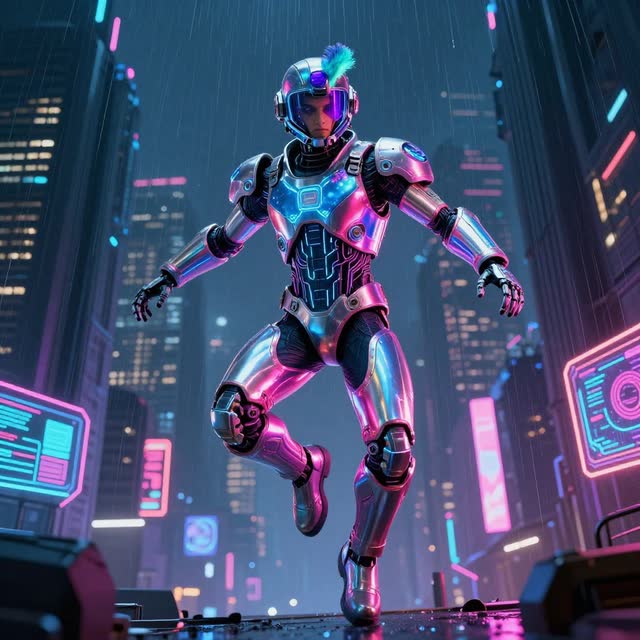 Character
Open the storyboard workspace, drop in a song, and start remixing your scenes.
Open the storyboard workspace