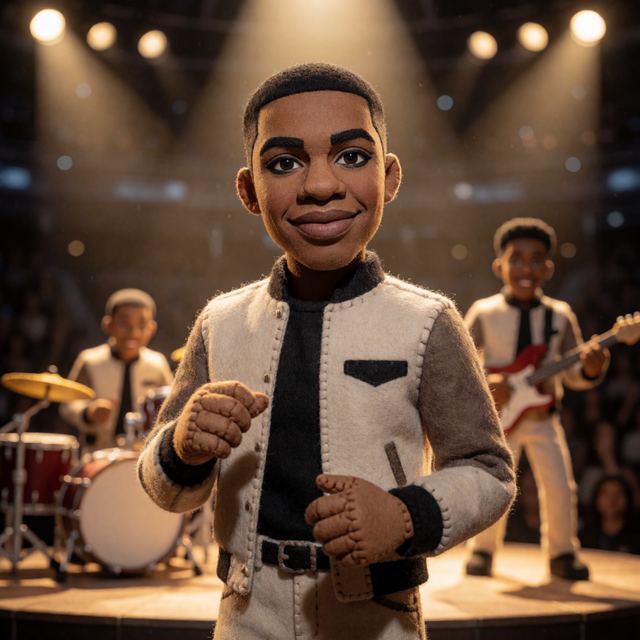
Puppet characters are one of the most distinctive looks GPT Image 2 can produce. They feel handcrafted, theatrical, and immediately recognizable — perfect for novelty songs, kids music, comedy tracks, celebration anthems, story-driven lyrics, and anything that benefits from a tactile physical world.
The Puppet theme in AIMusicVideo wraps the right GPT Image 2 prompting around your source so the result reads as a real felt-and-foam character, not just a stylized illustration. You can start from a photo of yourself, a friend, or use the random-character generator and let it invent a puppet from scratch.
What the Puppet Theme Does
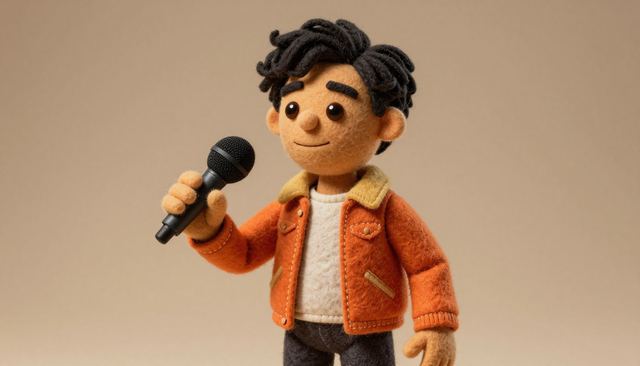
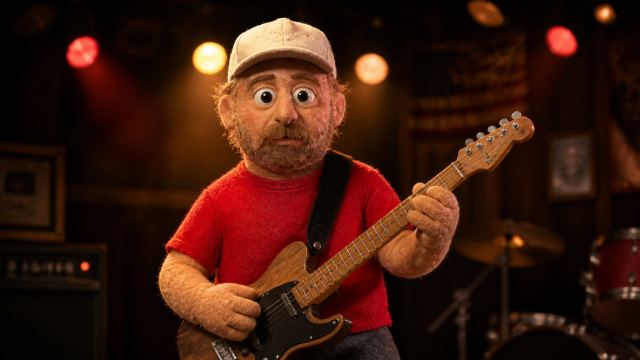
The Puppet theme rebuilds whoever — or whatever — you give it as a handcrafted character. GPT Image 2 understands the material language of puppetry: felt, foam, fabric, yarn, stitching, soft seams, expressive embroidered or beaded eyes, and the slight imperfections of a real prop.
- Input: a photo of yourself, a friend, a cartoon, an animal, or nothing at all.
- Output: a stage-ready puppet performer with the same hairstyle, outfit colors, accessories, and silhouette as the source — but rebuilt from physical craft materials.
- Preserved: identity cues, color palette, recognizable wardrobe, attitude.
- Transformed: skin texture, surface materials, eyes, and the overall feeling that this is a built object.
The GPT Image 2 Puppet Prompt
The trick is telling GPT Image 2 exactly which qualities to preserve from the reference and which to transform into puppet materials. AIMusicVideo ships this prompt for you, but here is the core idea so you can tune it.
Identity-preserving material transform
GPT Image 2 is strong at understanding the difference between identity (face, hair, outfit) and surface (skin, fabric, paint, plastic). Asking it to keep identity while rebuilding surface materials is the cleanest way to get a real puppet, not a cartoon.
Three Ways to Start a Puppet
AIMusicVideo gives you three on-ramps to a puppet character. Pick whichever fits your song.
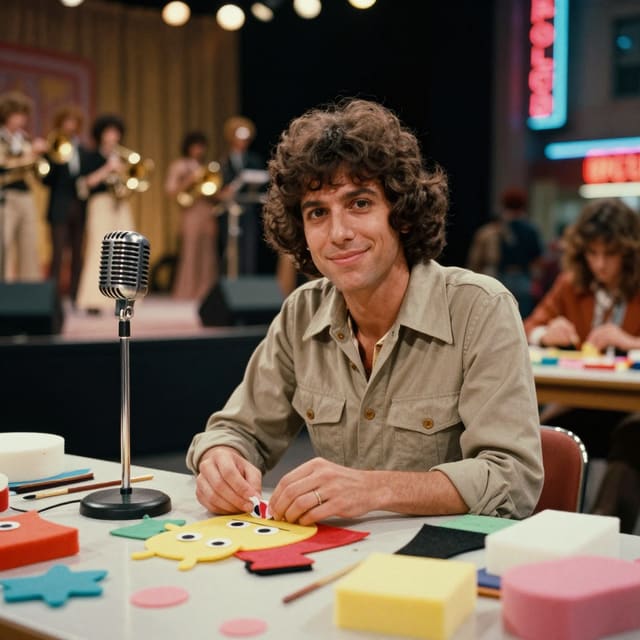
- Upload a photo of yourself or a friend. GPT Image 2 will keep your hairstyle, outfit, and recognizable details and rebuild you as a puppet. Great for personalized gift songs, party invites, kids tracks, and tributes.
- Upload an existing character. Cartoons, illustrations, or other AI characters all work — the theme transforms whatever identity you start with.
- Generate a random puppet from scratch. Leave the upload empty and click Generate. The character creator will invent a fresh puppet performer on the fly, then you can remix until it feels right.
Where Puppets Work Best in a Music Video
Puppet videos read as warm, theatrical, and inherently funny — even when the song is sincere. The look gives a song its own little world.
- Novelty and comedy songs: the format is built for it.
- Kids music and family videos: puppets are immediately readable to any age.
- Celebration anthems and party invites: felt characters feel handmade and personal.
- Tribute and memorial songs: soft puppet warmth lands tenderly.
- Story-driven lyrics: each scene can be a tiny puppet diorama.
Lock the same puppet across your storyboard
Once you have a puppet you love, send it to your song background and reuse it across every scene. AIMusicVideo will keep the same yarn color, button eyes, and stitched outfit consistent through the whole video.
Common Puppet Looks to Try
Each of these starts with the same Puppet theme prompt — just describe the character or upload a different photo.
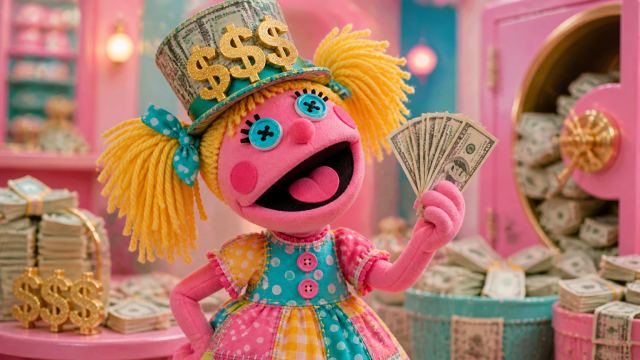
- Yarn-hair pop star in a stitched sequin dress on a felt stage.
- Felt cowboy in a tiny embroidered vest and bandana.
- Foam sea creature with bead eyes and fabric scales.
- Marionette band with strings, jointed limbs, and a wooden stage.
- Holiday puppet wrapped in seasonal fabric, scarves, or costume pieces.
- Mascot puppet of a fan-favorite animal, rebuilt as a soft tactile character.
Keep exploring
Build one now with the AI puppet video generator, or explore other themes.
- Make a puppet character: AI puppet video generator
- Make two characters fight: AI arena fight video
- Turn a song into a video: make a music video from a song
Frequently asked questions
Can I turn a photo of myself into a puppet?
Yes. Upload a photo and GPT Image 2 rebuilds you as a felt-and-foam puppet while keeping your recognizable hairstyle, outfit, and features.
What does the puppet character look like?
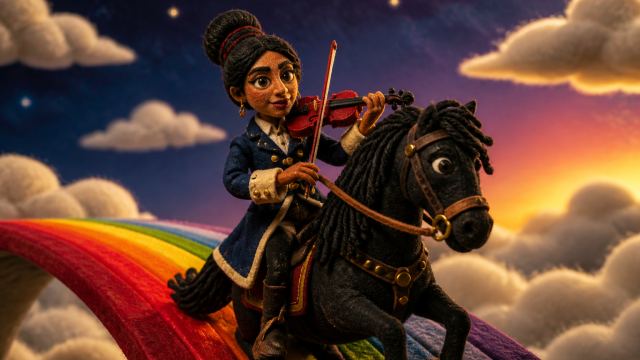
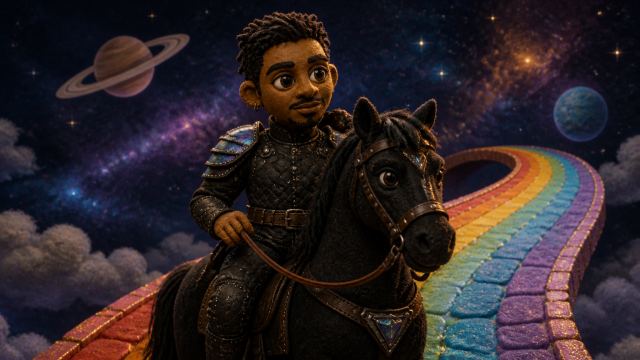
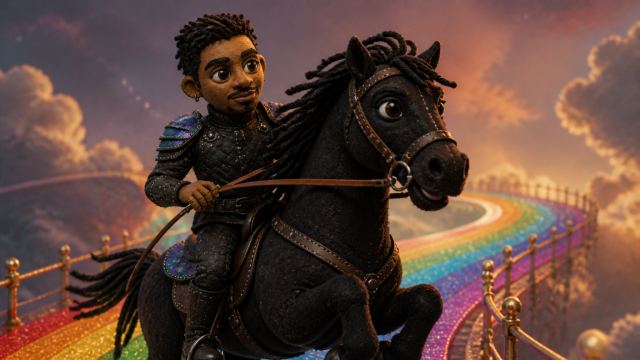
Handcrafted materials — premium felt, foam, fabric, visible stitching, yarn hair, and expressive button or bead eyes — so it reads as a real physical puppet, not a cartoon.
Do I need a photo to start?
No. You can skip the upload and let it invent a puppet character from scratch.
Example videos
Finished Puppet music videos — click a card to watch.
 Video
Video
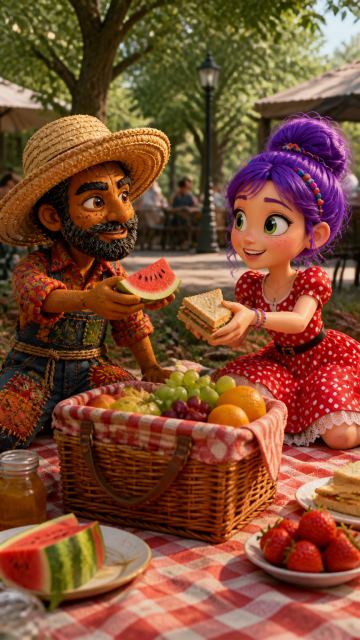
having a picnic lunch at the park
 Video
Video
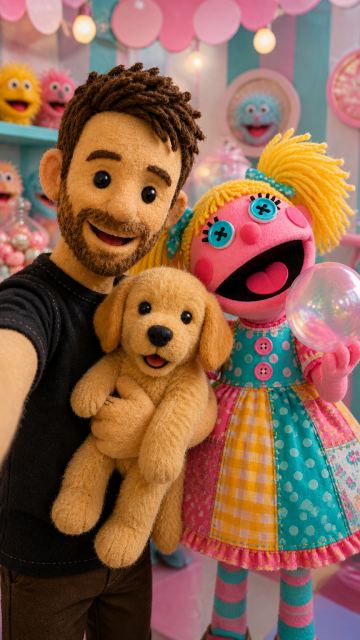
On-camera presenter speaking directly to camera in a clean, modern studio.
 Video
Video
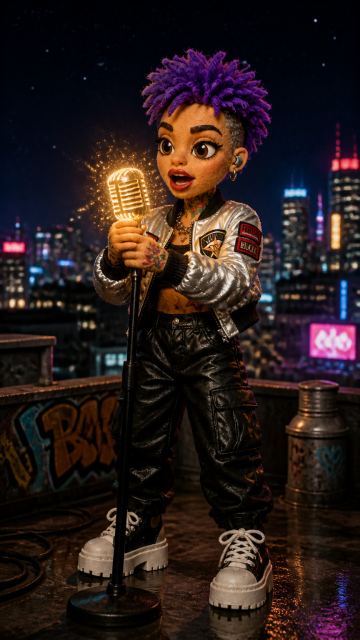
surprised she has turned into a puppet?
 Video
Video
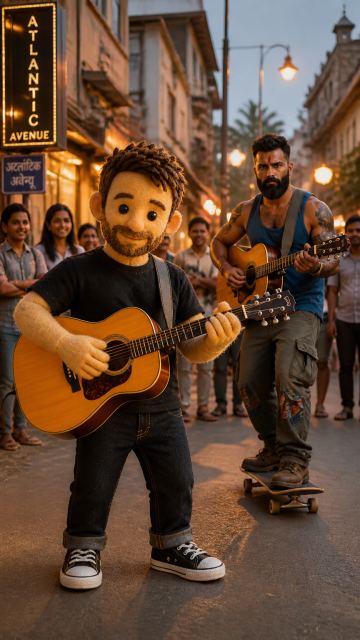
watching ajay play guitar on atlantic avenue in delray beach
 Video
Video
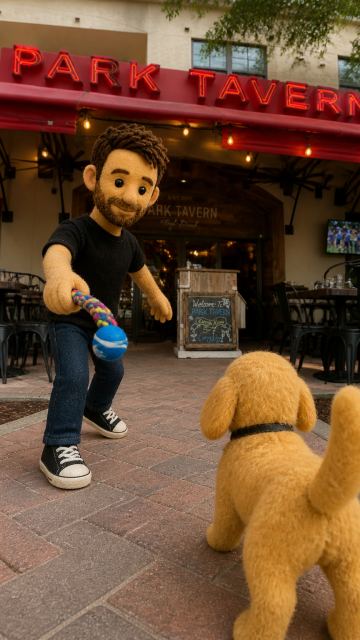
playing with sundance outside at park tavern in delray beach
 Video
Video
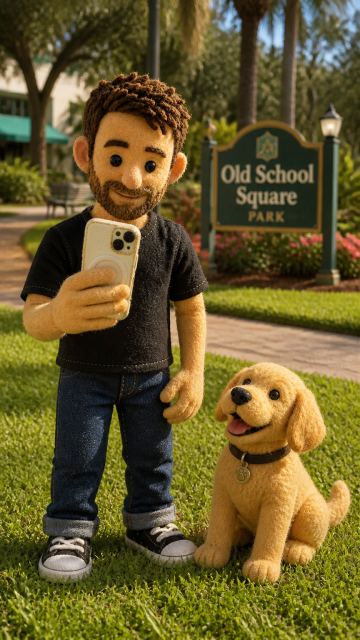
playing with sundance at old square park in delray beach
 Video
Video
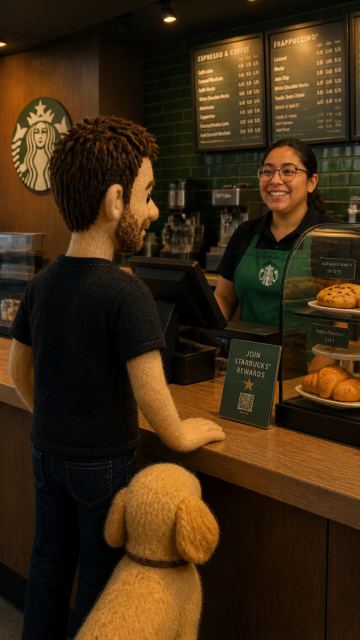
getting coffee first think in the morning at starbucks in delray beach
 Video
Video
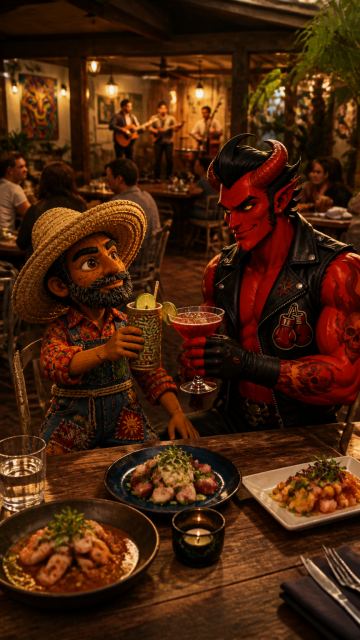
having dinner at dada in delray beach
 Video
Video
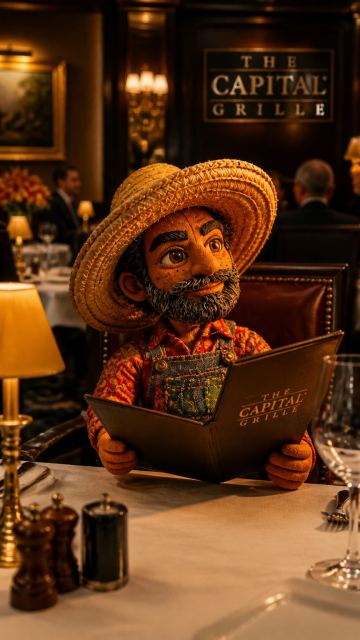
Going for lunch at capital grill in Boca Raton
 Video
Video
Example characters and storyboard frames
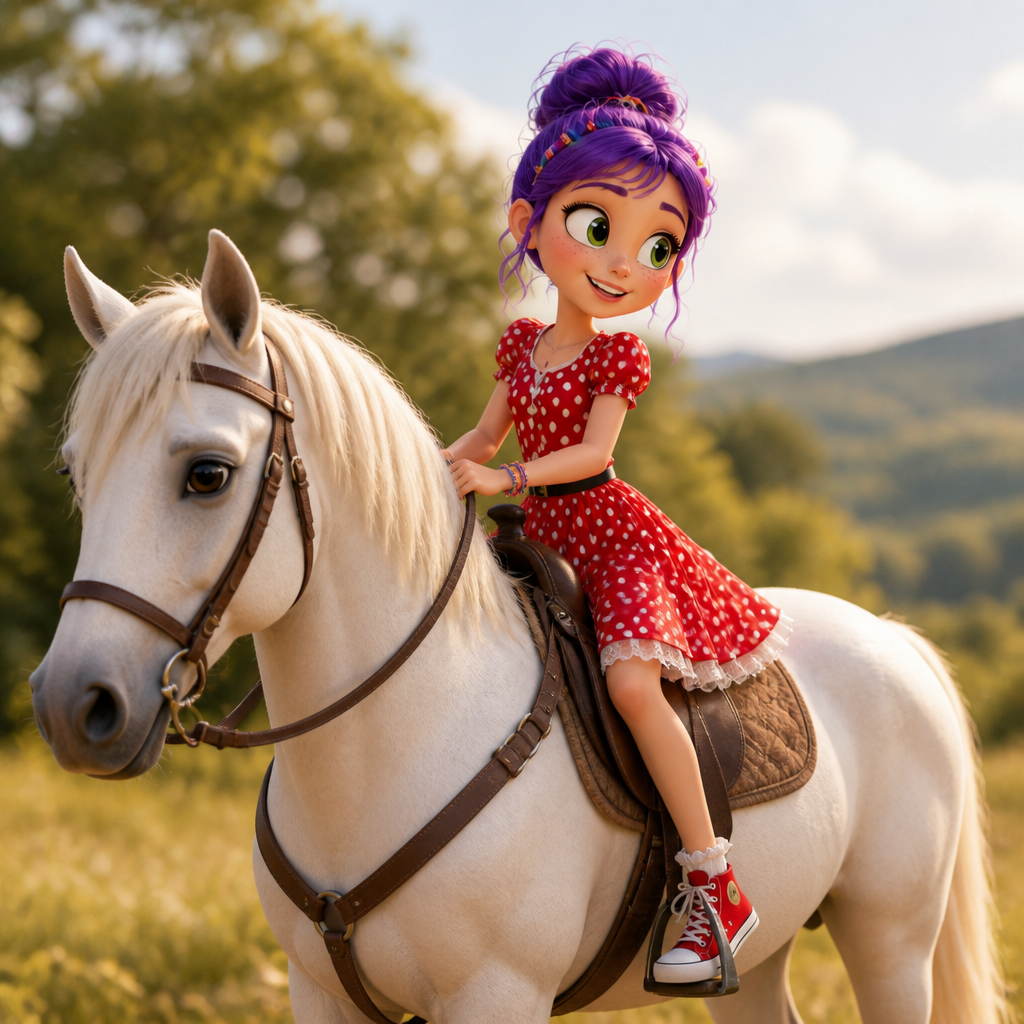
Puppet characters from the AIMusicVideo.com gallery.
 Frame
Frame
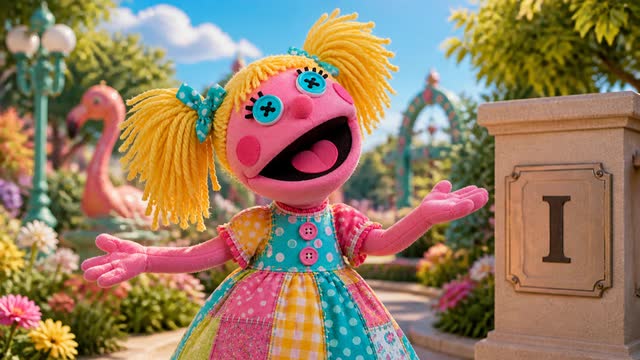
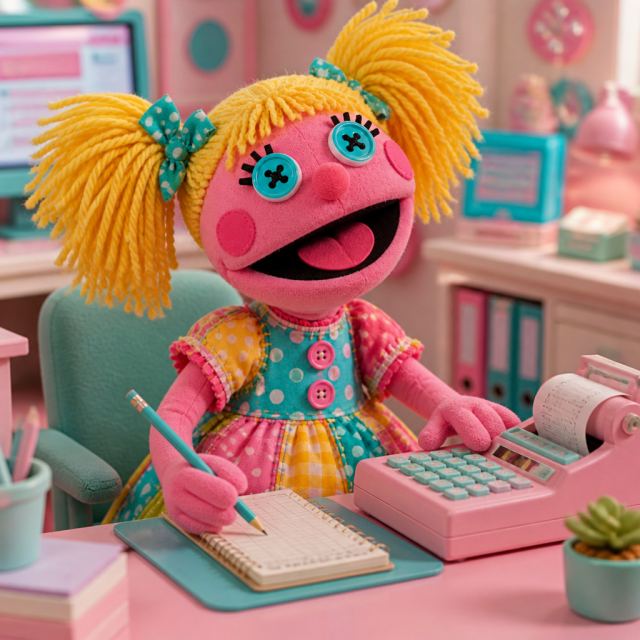
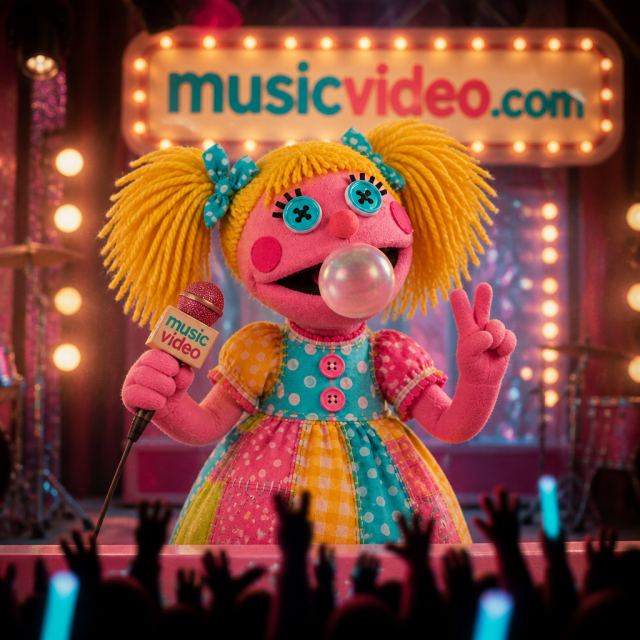
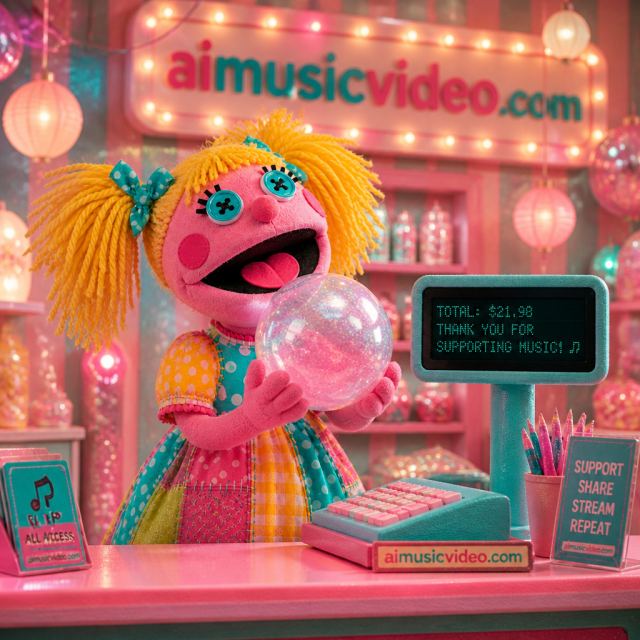
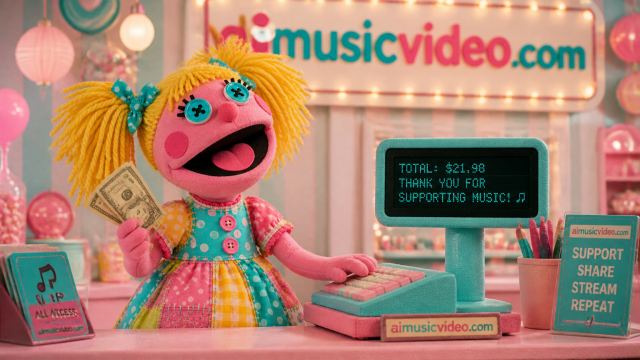
Yarn-hair puppet performer with stitched dress and bright stage energy.
 Character
Puppet
 Character
Puppet
 Character
Puppet
 Character
Puppet
 Character
Puppet
 Character
Puppet
 Character
Puppet
 Character
Puppet
 Character
Puppet
 Character
Puppet
 Character
Puppet
 Character
Puppet
Open the Character Creator, upload a photo or skip the upload, pick the Puppet theme, and GPT Image 2 will build your puppet. Then create a song about your puppet or send it straight to a music video storyboard.
Create a puppet character