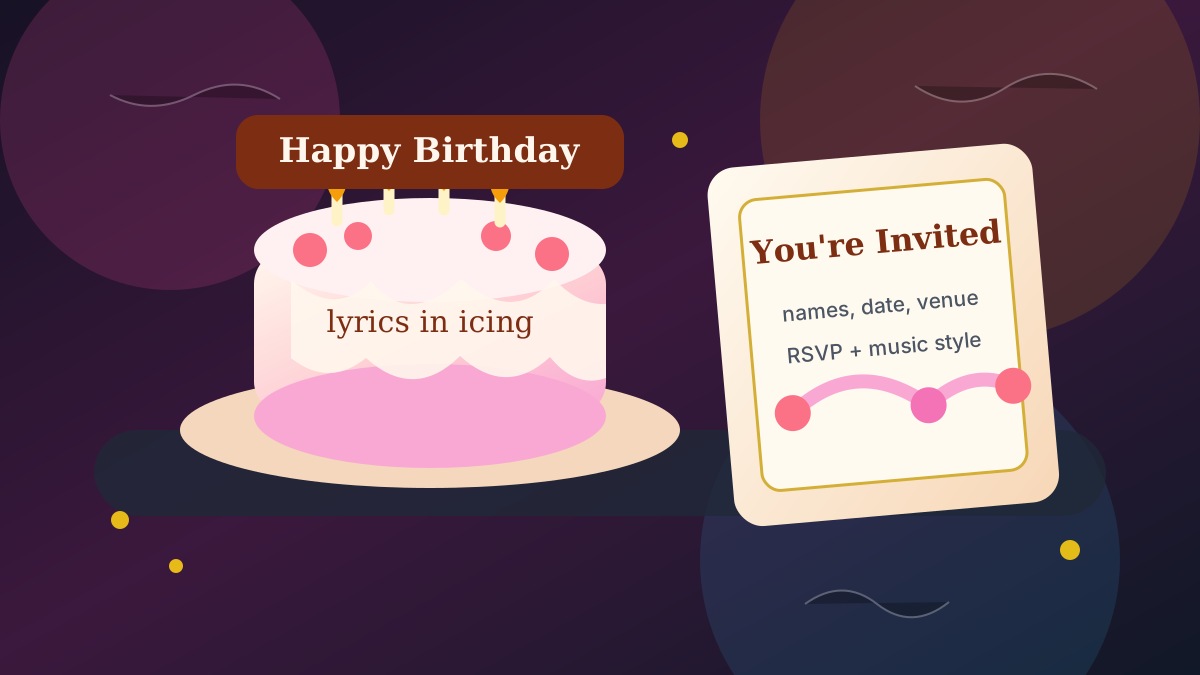
Lyrical storyboards are a different kind of AI music video workflow. Instead of treating lyrics as subtitles, the words become physical objects inside the scene: icing on a cake, handwriting in a card, gold foil on an invitation, or RSVP details on stationery.
That makes them especially useful for celebrations. A birthday song can become a cake video. A wedding invite can become a romantic music video invitation. An anniversary party can become a short musical announcement with names, dates, locations, and a message that feels personal.
What a Lyrical Storyboard Does
A normal music video storyboard describes scenes, characters, locations, camera movement, and visual mood. A lyrical storyboard adds one more rule: the words are part of the art direction.
For celebration videos, this is powerful because the important details are already text-based. Names, ages, dates, venues, RSVP links, dress codes, dedications, and lyrics all need to be readable without feeling like a plain caption over the image.
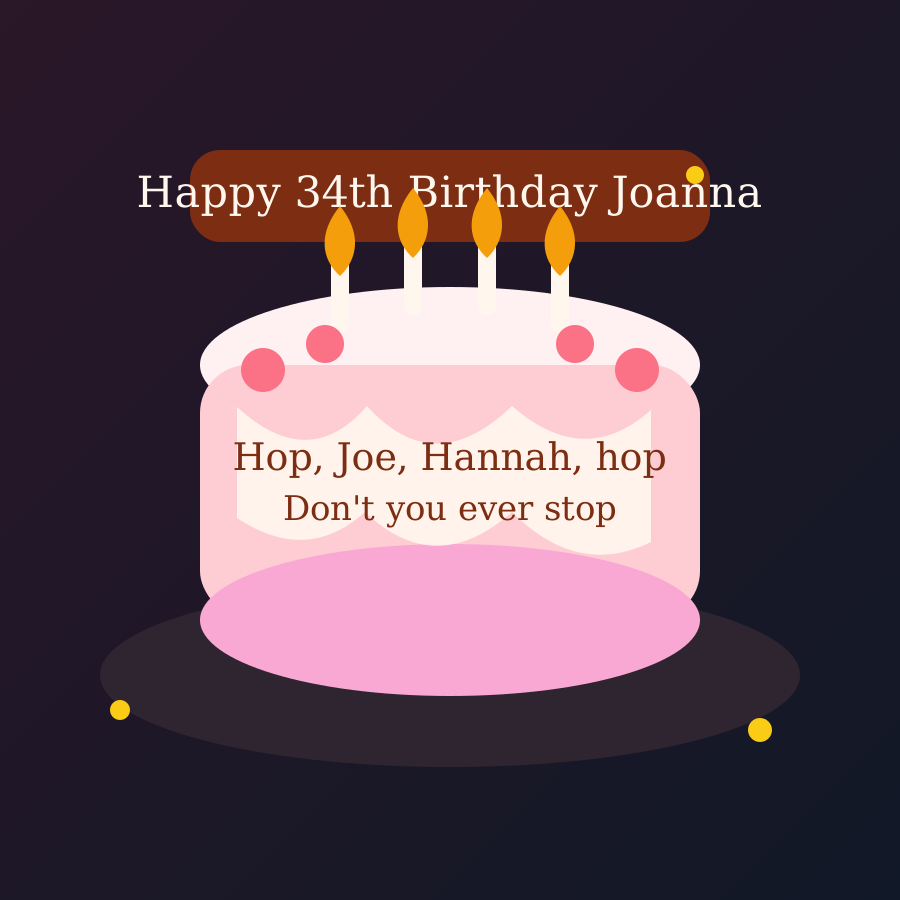
- Birthday cake: fixed birthday message on a banner or topper, changing lyric icing on the cake.
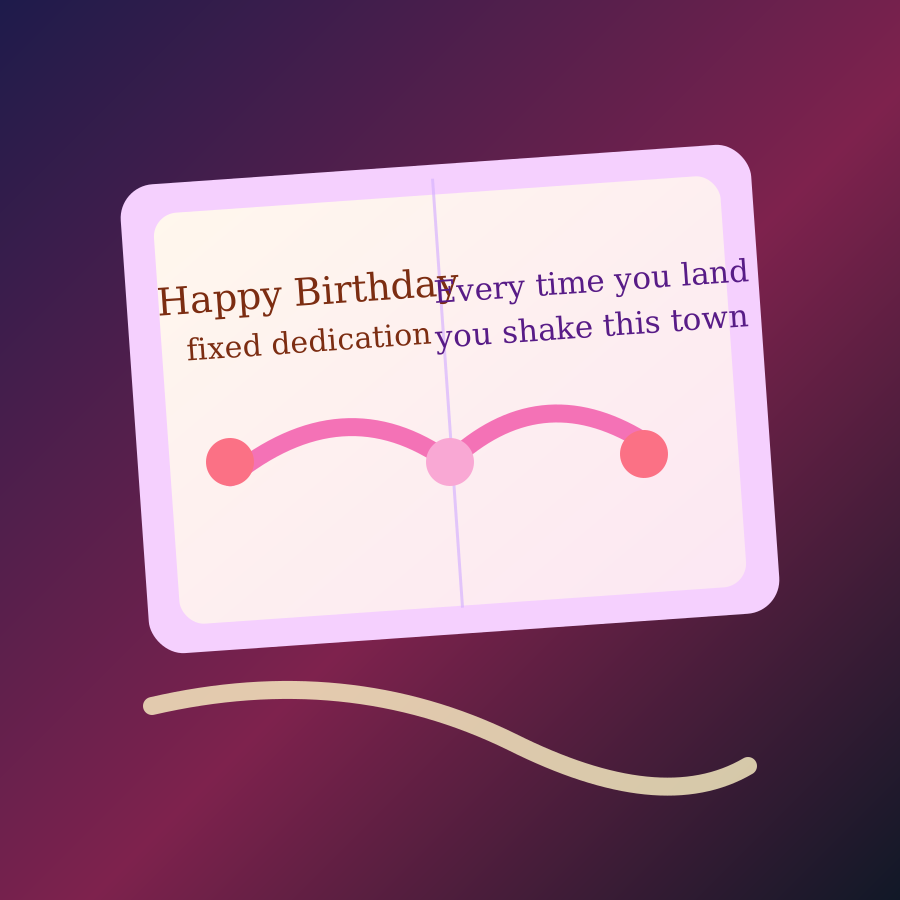
- Birthday card: fixed dedication on the cover, changing lyric handwriting inside the card.
- Memory book: fixed birthday dedication plus lyric captions inside a scrapbook scene.
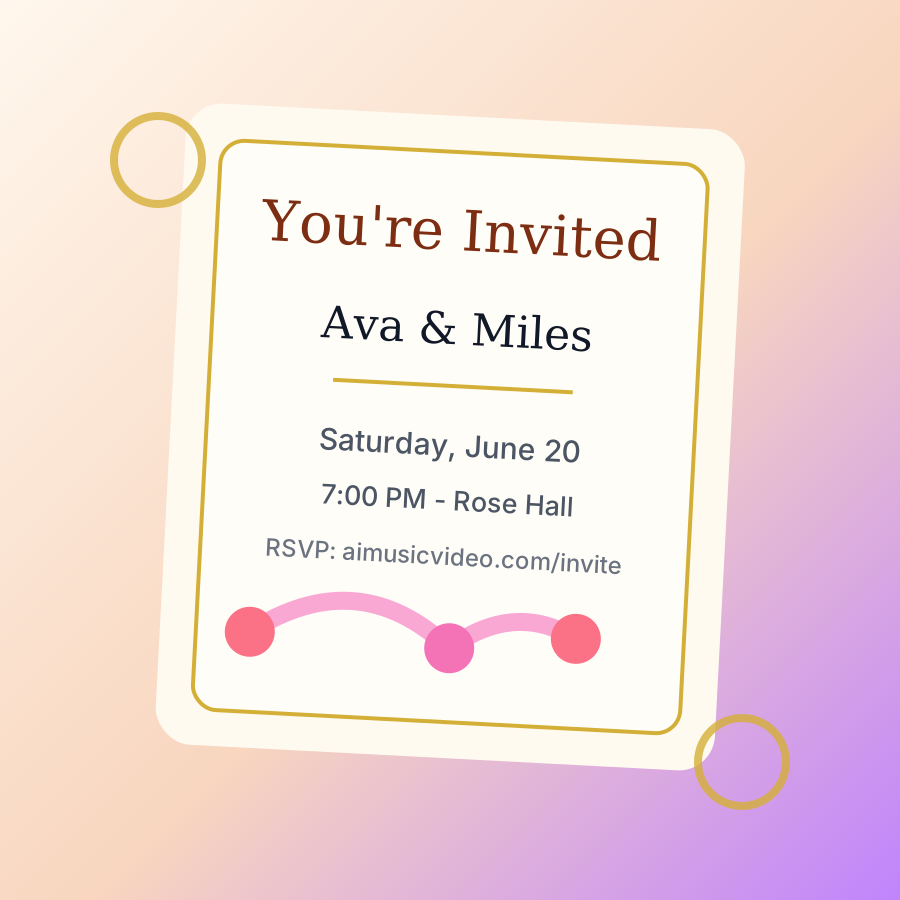
- Wedding invitation: names, date, time, venue, RSVP, and dress code as elegant stationery details.
- Anniversary or party invite: event name, years celebrated, date, time, location, host, and RSVP details.
Why This Works for Birthdays and Celebrations
Birthday videos need two kinds of text. The fixed message should stay consistent across the whole video, such as Happy 34th Birthday Joanna. The song lyrics should change scene by scene, because they follow the music.
The birthday cake style separates those jobs. The preset details are stored once, then reused throughout the storyboard. The lyric line changes with the song and appears as the scene text treatment.
Invitation Videos as a Template System
The same storyboard engine can handle invitations because every occasion follows the same pattern: choose the occasion, choose the visual theme, fill in preset fields, then let the generator build scenes around the details.
For a wedding invitation, the fields might be bride name, groom name, date, time, venue, city, RSVP link, and dress code. For a birthday party invite, the fields might be name, age, date, time, location, RSVP, and party theme. For an anniversary, it might be couple names, years, date, time, location, and a message.
- Wedding invitation: luxury floral, modern minimal, beach wedding, rustic, black tie, or fairytale.
- Engagement announcement: ring box, champagne, flowers, save-the-date card, and couple photo placeholder.
- Anniversary invite: framed memories, champagne, roses, years celebrated, and party details.
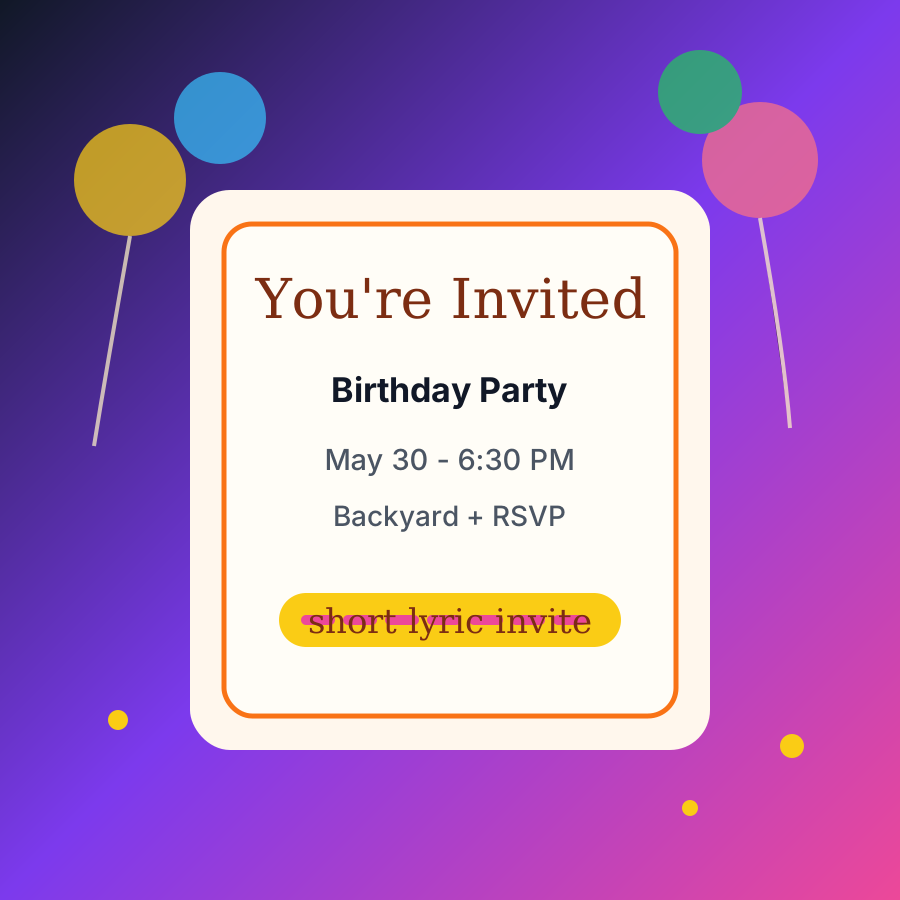
- Birthday party invite: balloons, cake, confetti, gifts, date card, location card, and RSVP CTA.
- General event invite: neon party, grand opening, holiday party, graduation, or retirement party.
How the Storyboard Uses Preset Fields
The best invitation videos do not ask the AI to invent details from the lyrics. They store the user-provided details and reuse them exactly. That prevents a lyric name from replacing the birthday name, or a random venue from appearing in the RSVP scene.
In practice, each template has a simple schema: occasion, theme, required fields, optional message, and scene roles. The scenes then decide where each field belongs: intro card, names card, date card, venue card, RSVP card, and final message.
From Static Card to Music Video
A printed invitation is one image. A lyrical invitation video is a sequence: envelope opens, text appears, flowers move, the camera pushes in, the RSVP card slides forward, and the final message lands with the music.
That sequence is why storyboards matter. You can inspect each frame before creating the video clips. If the cake lyric is in the wrong place, remix that scene. If the RSVP card is too small, adjust that prompt. If the candle outro relights by accident, regenerate the outro after the prompt is corrected.
Recommended Celebration Workflow
- Choose Lyrical Storyboard or Create Invitation Video.
- Pick the occasion: birthday song, birthday party invite, wedding invitation, engagement announcement, anniversary party, or general event invite.
- Choose the visual theme: birthday cake, birthday card, luxury floral wedding, beach wedding, modern minimal, or party invite.
- Fill in the preset fields: names, age, date, time, venue, RSVP, dress code, signed by, and optional message.
- Generate the storyboard frames and review the text surfaces before making scene videos.
- Remix only the scenes that need correction, then combine the final music video.
Example characters and storyboard frames
Lyrical Storyboard characters from the AIMusicVideo.com gallery.
 Frame
Frame
The fixed birthday message lives on a banner or topper, while the current lyric becomes icing directly on the cake.
 Frame
Frame
A card keeps the dedication fixed while each lyric line appears as handwritten calligraphy on the page.
 Frame
Frame
Names, date, venue, RSVP, and dress code can become a short romantic invitation music video.
 Frame
Frame
Invitation videos can reuse the same engine for birthday parties, anniversaries, engagement announcements, and event invites.
Start with your song, choose a lyrical storyboard theme, add celebration or invitation details, then generate storyboard frames before turning them into a finished AI music video.
Create a storyboard