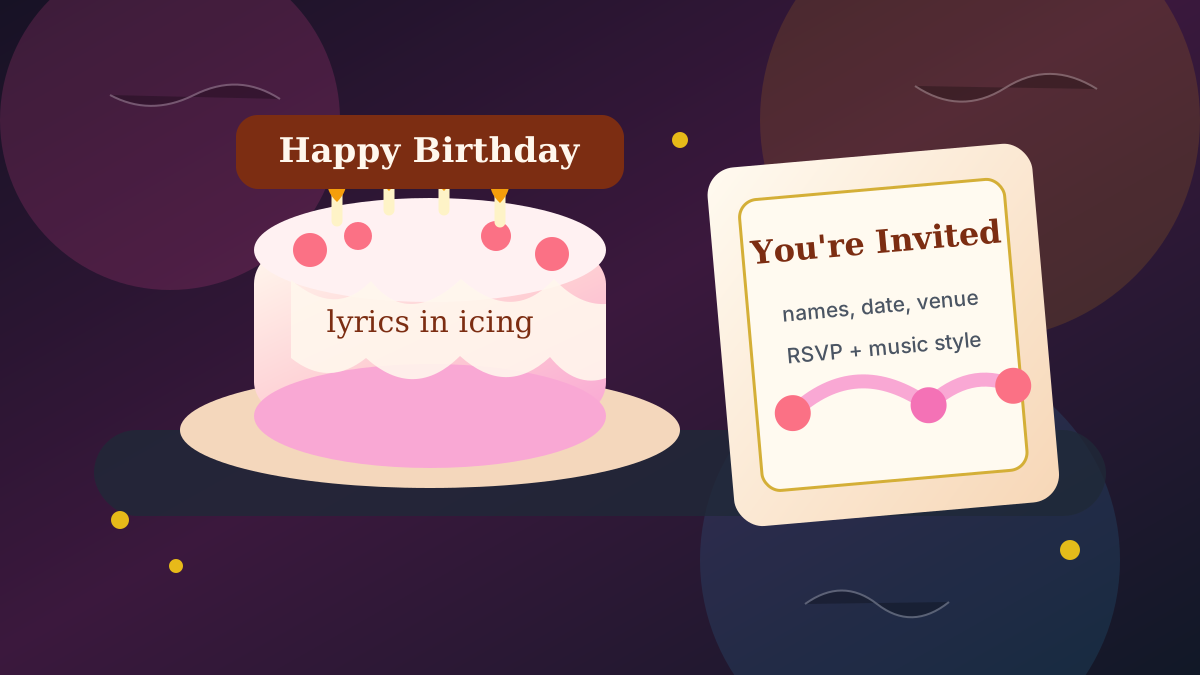
A wedding already has everything a music video needs: two main characters, a location with built-in emotion, and a song that means something. What it usually lacks is a videographer with three weeks of editing time. This guide walks through making a complete AI wedding music video — from the song choice to the final MP4 — whether it is for the reception screen, an anniversary gift, or the couple’s announcement post.
The workflow is the same one behind every video on this site: pick or import a song, let the storyboard plan scenes around its structure, keep the couple visually consistent from scene to scene, then animate and assemble. The Wedding Celebration theme handles the setting so you can focus on the story.
1. Start with the song that matters
The song decides everything downstream — pacing, scene changes, where the emotional peak lands. You have three ways in:
- Import the couple’s song: upload an MP3 or import from a supported link. The first dance track is the obvious pick.
- Generate an original: describe the couple’s story in the music creator and get a song written for them — an option no traditional wedding video has.
- Use a lyric-forward track: if the words carry the meaning, plan a lyrical video where the lyrics are written into the scenes.
Only use music you have rights to. An original generated song sidesteps licensing entirely, which matters if the video is going on social media.
2. Pick the Wedding Celebration theme
Choose the Wedding Celebration world theme when creating the video. The storyboard then stages scenes in wedding-native settings — ceremony arch, golden-hour portraits, the reception floor, sparkler exits — instead of generic music-video locations. Verses get quieter moments; the chorus opens up into the celebration.
Prefer a stylized look? Layer an art style on top: Ultra Photoreal Film Still reads like cinema wedding footage, watercolor or paper-cutout reads like an illustrated keepsake.
3. Keep the couple consistent across scenes
The make-or-break of an occasion video is that the couple looks like the same two people in every scene. Upload a clear reference photo of each person (or create stylized characters from their photos), and the pipeline locks each identity — face, hair, outfit — across the storyboard. In scene prompts and the Scene Director chat, the references are addressed in order as ref1 and ref2, so directions like “ref1 lifts ref2 during the chorus” land on the right person.
For a stylized video, one reference each is enough. For a photoreal one, a couple of well-lit photos per person helps the identity hold.
4. Review the storyboard before spending on animation
The storyboard is the contract: every scene’s image, timing, and prompt is visible before any video generation. Regenerate individual scenes, chat with the Scene Director to adjust action or camera, and only animate when the whole story reads right. A free account includes the complete first-pass image storyboard, so the review costs nothing.
- Check the emotional peak lands on the chorus.
- Swap any scene that misreads the moment — first look, vows, first dance, exit.
- Confirm both people look right in every scene before animating.
5. Animate, assemble, and choose the format
Animate the approved scenes and the pipeline assembles the final MP4 timed to the song. Export 16:9 for the reception screen or YouTube, or direct a 9:16 vertical version for Reels and TikTok — a native vertical production, not a crop that cuts the couple off at the edges.
Frequently asked questions
Can I use our real wedding song?
Yes — upload the MP3 or import it from a supported link, provided you have the rights to use the recording. For public social posts, an original AI-generated song avoids licensing problems entirely.
Can the video actually show us, not random people?
Upload a clear photo of each person as a character reference and the pipeline preserves each identity across scenes. Stylized looks (illustrated, watercolor, cartoon-in-real-scene) are the most forgiving; photoreal holds well with good reference photos.
How long does it take?
The storyboard takes minutes. Reviewing and polishing scenes is up to you. Animation and final assembly typically finish the same day — not the multi-week turnaround of a traditional edit.
Does this work for anniversaries and proposals too?
Yes — the same workflow with the Anniversary Love Story theme covers anniversaries, proposals, and vow renewals. The song and the reference photos are the only things that change.
Import their song or write them an original, pick the Wedding Celebration theme, and review the full storyboard free before anything renders.
Start with a song