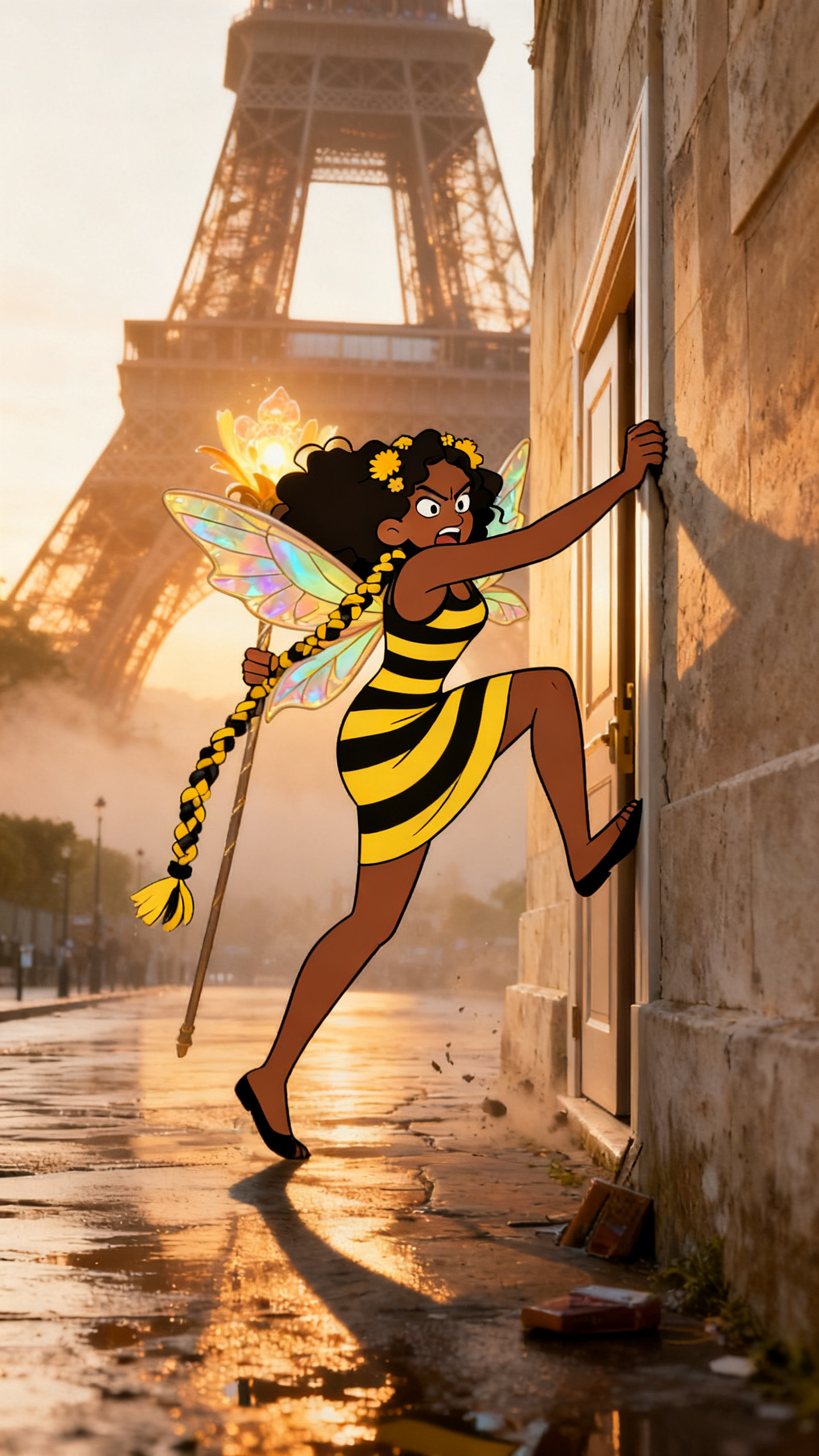
Seedream is especially useful for a Cartoon Character in Real Scene workflow because it can use image references to understand both sides of the shot: the real scene plate and the performer identity.
The character source does not have to already be animated. You can start with a cartoon image, an illustration, or a real live-action photo, then use Seedream-style prompting to turn that identity into a cartoon performer placed inside a believable real-world scene.
What This Theme Does
This Seedream workflow keeps the character identity consistent while the location changes through reachable sub-scenes. It works especially well for songs that need a recognizable hero, mascot, alter ego, or animated performer.
- Image 1: the photoreal or live-action scene plate.
- Image 2: the character or person reference.
- Character source: a cartoon image is optional. Seedream can use a real photo as the identity reference and stylize it into a cartoon performer.
- Result: a repeatable cartoon-style character composited into realistic cinematic environments.
- Best use: story-driven videos, mascots, dance videos, fantasy locations, and surreal pop visuals.
Basic Seedream Prompt Template
The prompt should tell Seedream what each reference image means. Image 1 is the real scene plate. Image 2 is the character or person reference. If Image 2 is a real photo, Seedream can still use it as the identity source and render the performer as a cartoon-style character.
The important part is giving Seedream two clear jobs: preserve the identity from the character reference, and place that character naturally inside the real scene.
A cartoon image is not required
Seedream can work from a cartoon reference, an illustrated character, or a real photo. When the reference is live action, the prompt can ask Seedream to preserve recognizable identity details like face shape, hair, outfit, and signature accessories while converting the performer into a cartoon-style character.
Pick a Destination That Gives the Story Somewhere to Go
The destination should not be a postcard. It should give the storyboard places to move: a doorway, street, stage, hallway, cockpit, balcony, rooftop, tunnel, or room.
For example, Eiffel Tower can become a Paris street, a glowing wall, a rain-slick sidewalk, a window reflection, and a final hero shot. A roller rink can become the skate floor, mirrored wall, neon arcade corner, DJ booth, and hallway entrance.
Keep the Seedream Character Consistent
Use the same character reference or character description through the Seedream storyboard. Change the action, camera, and location, but do not rewrite the identity every scene.
A good character anchor mentions face, hair, outfit, signature accessory, and body language. This helps each frame feel like the same performer in a new beat of the same video.
Where This Theme Works Best
Use this Seedream look for songs that feel visual, playful, surreal, animated, or character-led. It is also strong when you want a recognizable artist persona without filming live footage.
Animated identity plus real-world music video energy
Pop, rap, EDM, novelty tracks, dance hooks, story songs, character-driven releases, and videos where the location is part of the hook.
Keep exploring
Try it with the cartoon character in a real scene generator.
- Toon in a real world: cartoon character in a real scene
- Make a puppet character: AI puppet video generator
- Make two characters fight: AI arena fight video
Frequently asked questions
What is a cartoon character in a real scene?
A toon-styled character composited into a photoreal location — the character keeps its cartoon look while the world around it stays photographic.
Can I use my own character?
Yes. Use an image reference so the same cartoon identity stays consistent across every shot.
Example videos
Finished cartoon character real scene music videos — click a card to watch.
 Video
Video
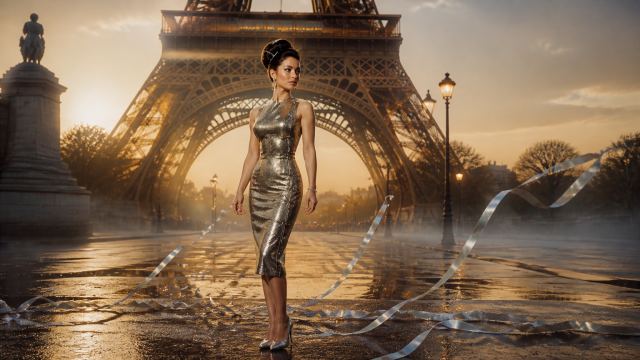
Performing at the Eiffel Tower in 1960
Example characters and storyboard frames
Cartoon character real scene characters from the AIMusicVideo.com gallery.
Frame
A stylized recurring character placed inside a believable Paris storyboard frame.
 Frame
Frame
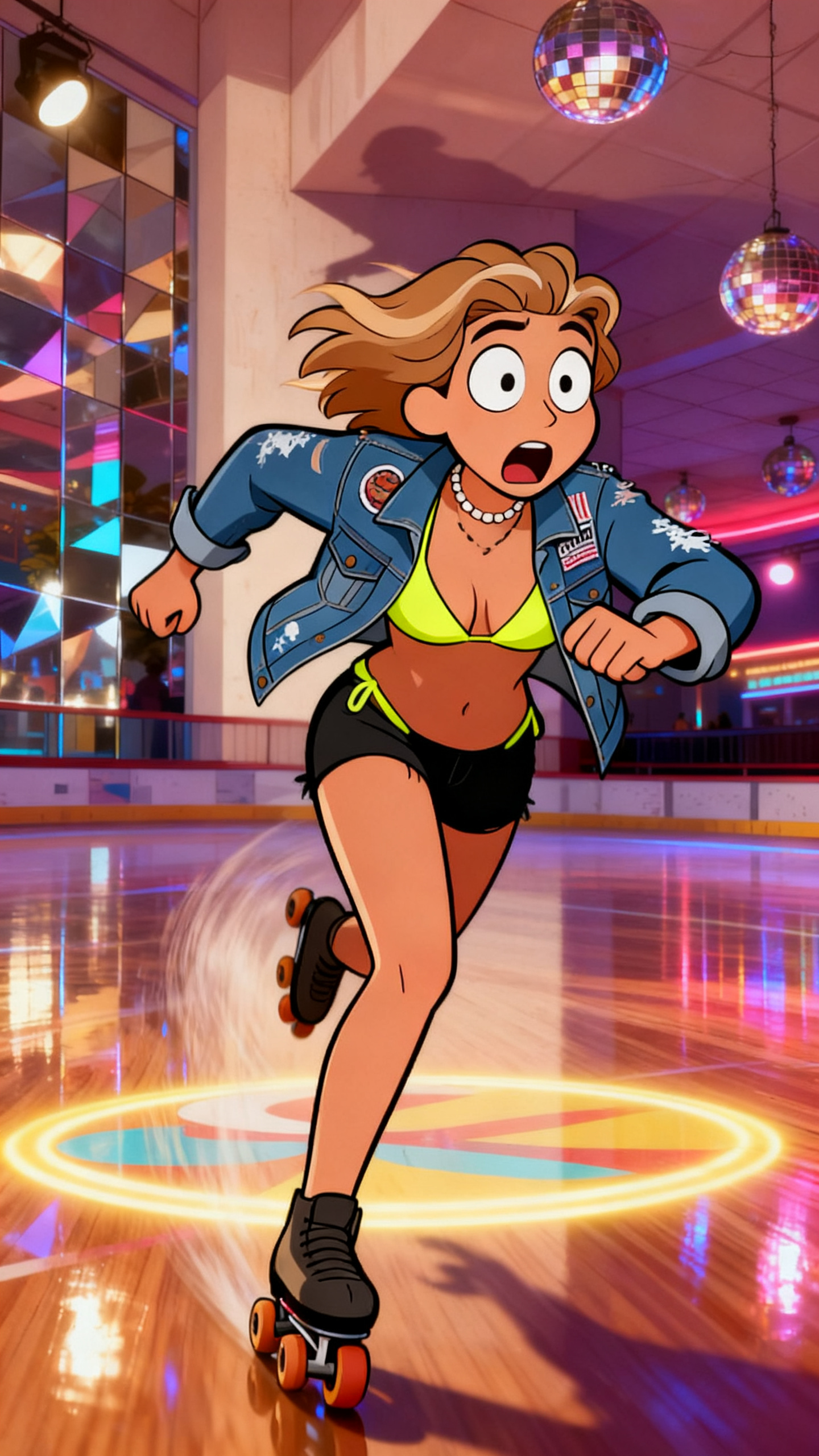
A music-video destination with skate floor, disco lighting, and readable story movement.
 Frame
Frame
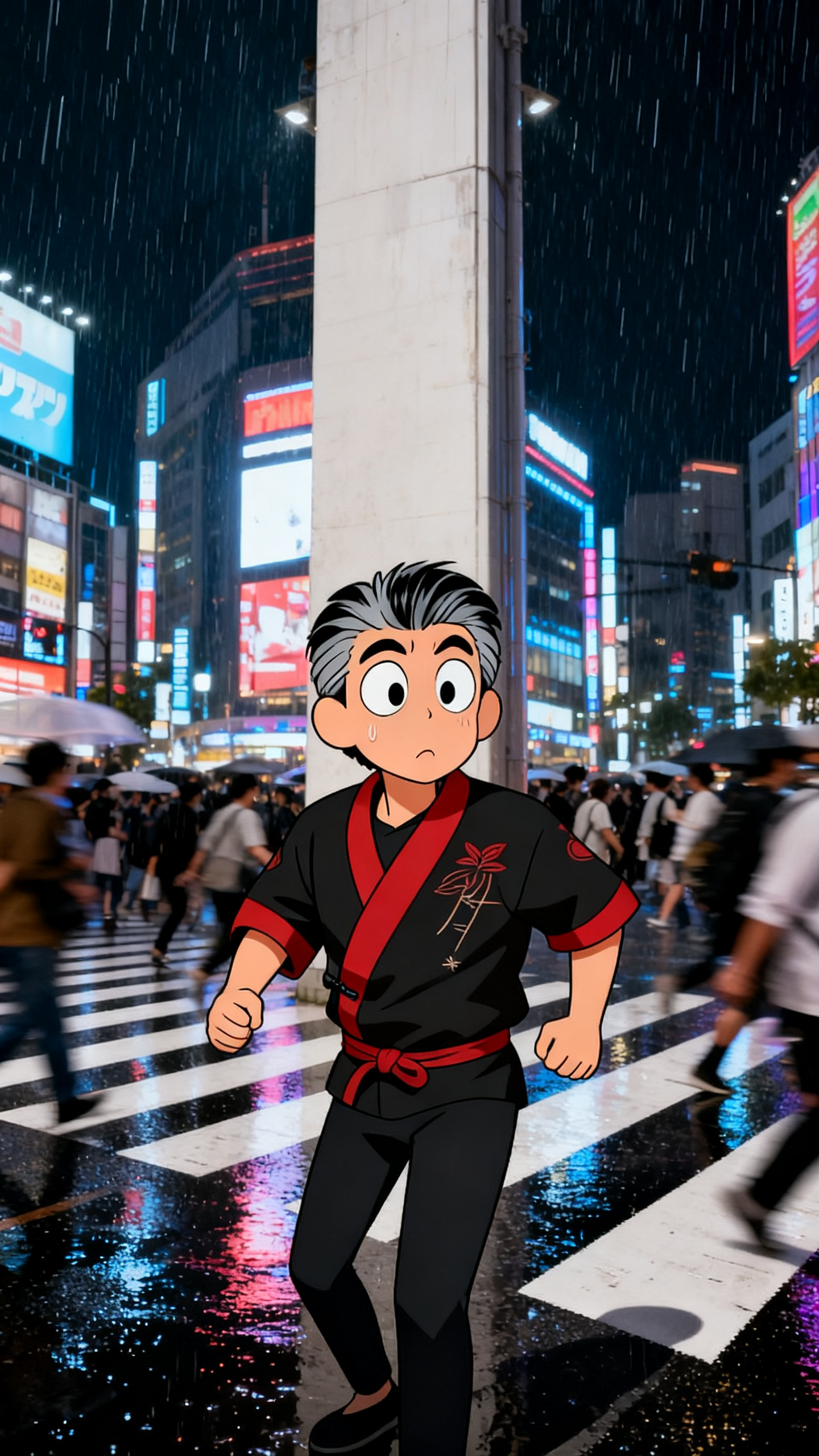
A city destination example where the character can move through crowds, signs, and rain.
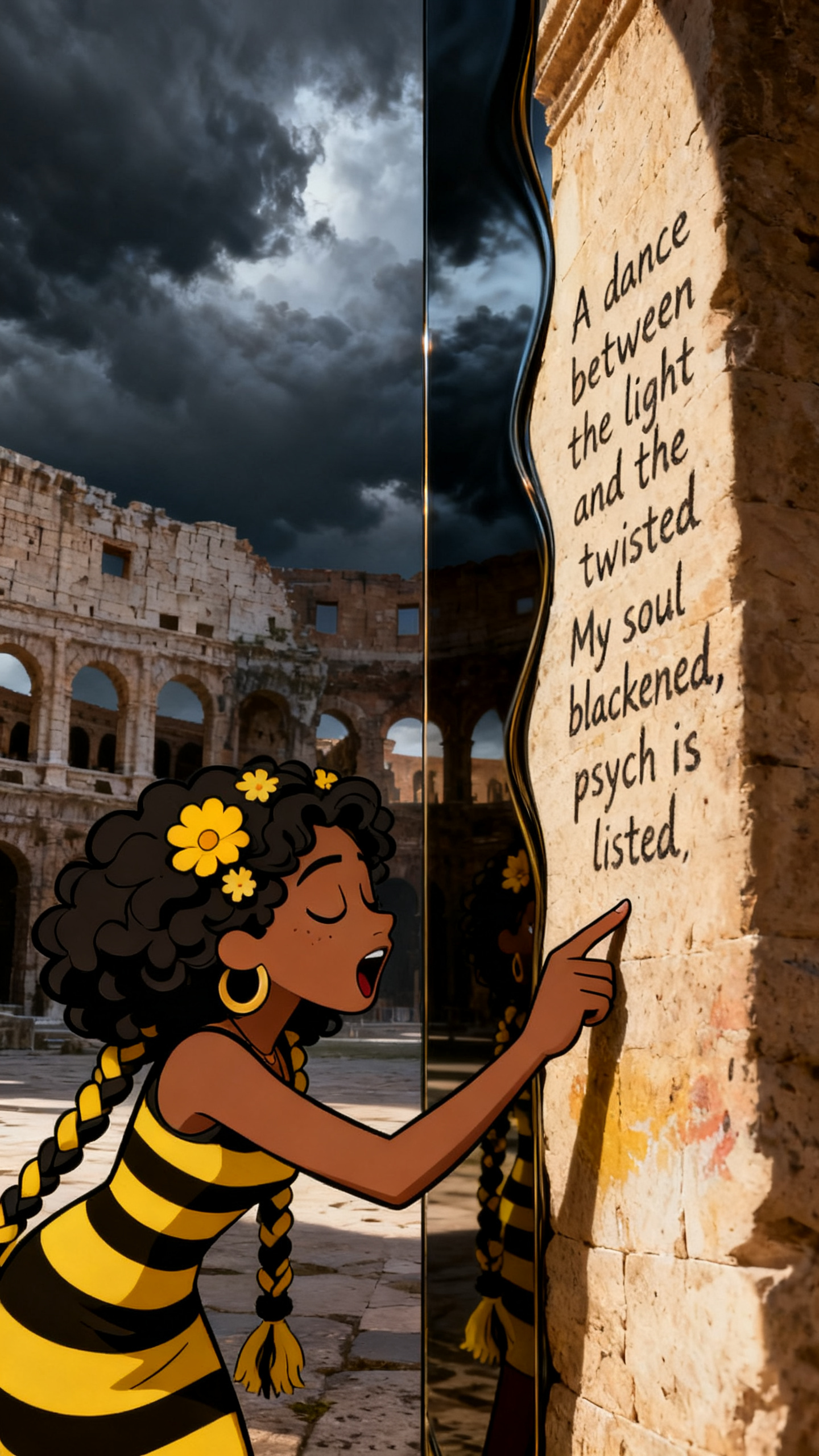 Frame
Frame
A dramatic destination example for mythic, intense, or cinematic song concepts.
AIMusicVideo wraps the Seedream-style character plus scene workflow into a music video builder: create or upload a character, choose a destination, generate storyboard frames, then turn approved frames into scene clips.
Create this theme