
Stage Performance is the theme to use when the song should feel like it is happening in front of people.
Instead of building a fantasy narrative, this workflow turns the track into performance shots: stage lights, microphone close-ups, crowd silhouettes, smoke, LED panels, and live-show movement.
Choose the Right Stage World
The destination changes the mood. A warehouse rave feels different from an outdoor wedding stage, a rooftop DJ set, a club tunnel, or a festival main stage.
- Warehouse Rave: dark, kinetic, smoke, lasers, industrial space.
- Outdoor Wedding Stage: warm, emotional, fairy lights, guests, soft performance energy.
- DJ Booth: nightlife, LEDs, crowd hands, beat-driven cuts.
- Theater Stage: dramatic spotlight, velvet shadows, controlled performance.
Use Camera Variety
A stage video should not stay in one angle. Mix wide stage reveals, close performer shots, hand details, crowd reaction, light sweeps, and side-stage movement.
Keep Lyrics Readable When Needed
If you include lyric text, place it on surfaces that belong in the stage world: LED screens, set walls, projection surfaces, banners, light panels, or fog-lit backdrops.
Avoid random floating words. Text feels better when it is part of the physical performance space.
Why This Works for Events
Event creators often need many short music videos for promos, parties, nightlife, weddings, birthdays, DJs, and venue screens. Stage Performance keeps the result direct: the viewer understands the event energy immediately.
Make the song feel performed, not just illustrated
Use uploaded audio or generated music, choose a stage destination, approve frames, generate clips, then export a final event-ready MP4.
Example videos
Finished theme music videos — click a card to watch.
 Video
Video
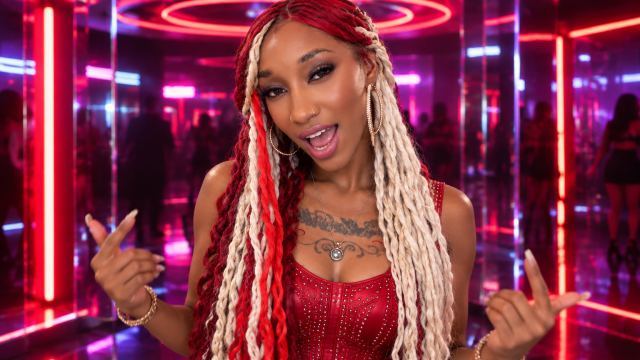
Tiara Nubine enters the “Freaky Zone,” a seductive, surreal neon world where every space becomes stranger, brighter, and more exciting. She performs confidently in futuristic nightclubs, illuminated corridors, mirrored rooms, and vibrant dance environments filled with red, blue, purple, and gold lights, smoke, lasers, and energetic crowds. Keep Tiara’s real face, dark skin tone, slim athletic proportions, chest tattoos, nose ring, hoop earrings, and long red-and-platinum braids consistent throughout. She must wear the same vivid crimson-red corset-style top, matching fitted flared pants, gold chain accessories, and red platform boots shown in the reference collage. Do not change her outfit, hairstyle, face, or body. Alternate accurate lip-sync facial close-ups with full-body dancing, confident stage performances, side profiles, and three-quarter rear shots that showcase her long braids and red outfit. Her personality is bold, sensual, energetic, playful, and commanding. Use fast cinematic transitions synchronized with the beat, dynamic camera movement, colorful professional lighting, and polished music-video imagery. During instrumental sections, show dancing, walking, crowd interaction, dramatic poses, and environmental shots without moving her mouth. No additional lead singers, random outfit changes, black or platinum clothing, distorted faces, extra limbs, horror imagery, or mouth movement when there are no vocals
 Video
Video
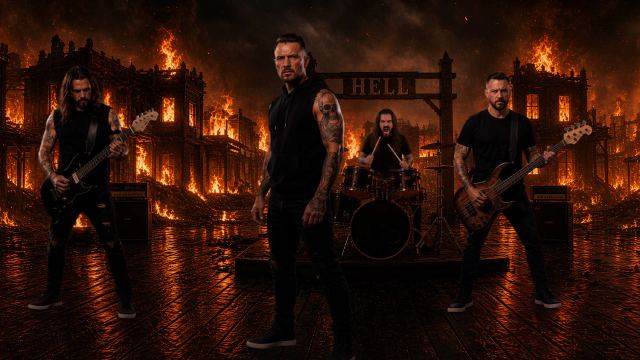
Metal band performance video. Band is on stage designed like a burning town at night. Flames constantly flickering in background, smoke bellowing up from the charred buildings
 Video
Video
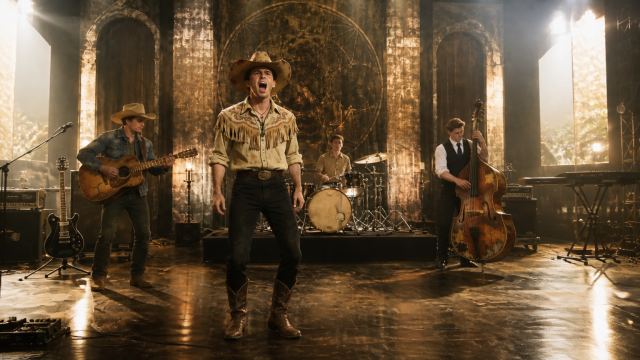
Create a storyboard-first music video plan from the selected dashboard song. Stop after scene planning; do not generate images or videos automatically. Selected song: In the Mind of God Saints of the Sage OLD VERSION. Analyze the song title, lyrics/LRC timing, audio structure, mood, genre, pacing, and emotional arc. Choose the strongest story world, locations, performer action, camera movement, visual style, and scene progression for the song.
 Video
Video
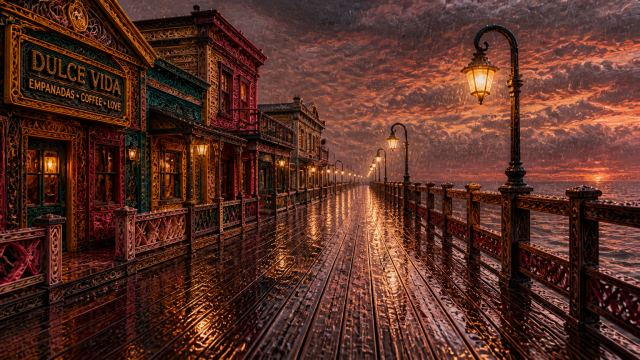
Create a storyboard-first music video plan from the selected dashboard song. Stop after scene planning; do not generate images or videos automatically. Selected song: Orbiting Your Goodbye (v1) - AI (suno). Analyze the song title, lyrics/LRC timing, audio structure, mood, genre, pacing, and emotional arc. Choose the strongest story world, locations, performer action, camera movement, visual style, and scene progression for the song.
 Video
Video
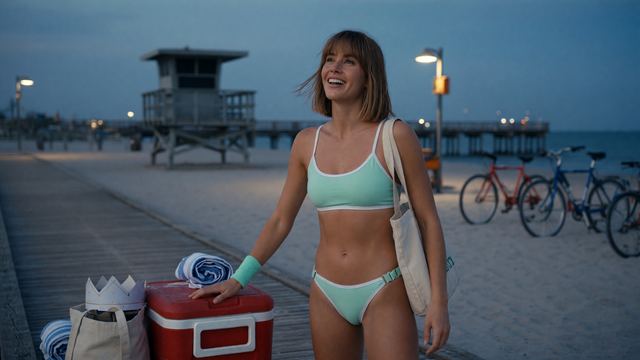
being a life guard at the beach
 Video
Video
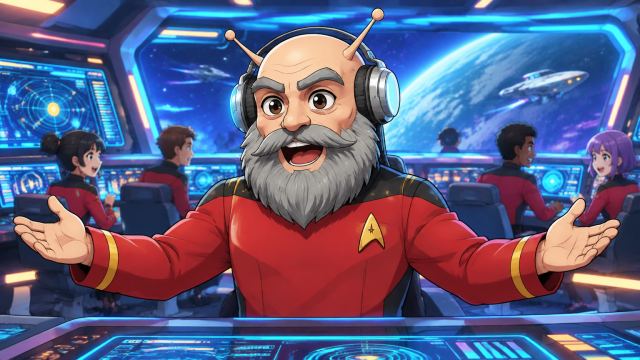
Starfleet Captain and DJ leading his Stream followers on adventures
 Video
Video
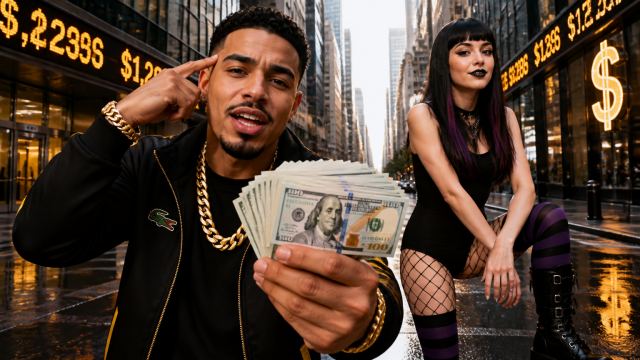
Create a storyboard-first music video plan from the selected dashboard song. Stop after scene planning; do not generate images or videos automatically. Selected song: Dj vector (v1) - AI (suno). Analyze the song title, lyrics/LRC timing, audio structure, mood, genre, pacing, and emotional arc. Choose the strongest story world, locations, performer action, camera movement, visual style, and scene progression for the song.
 Video
Video
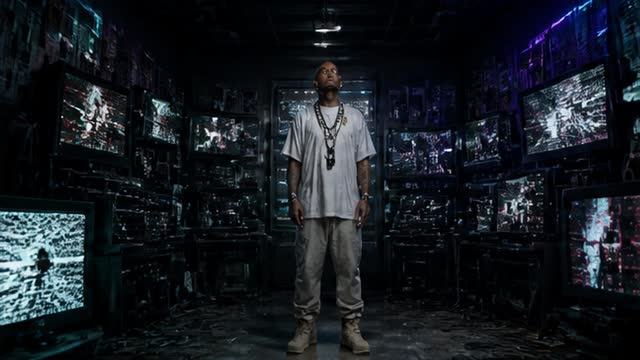
a hip-hop video in a futuristic setting at night
Example characters and storyboard frames
Theme characters from the AIMusicVideo.com gallery.
Frame
A performance frame with singer, stage lighting, atmosphere, and lyric-ready composition.
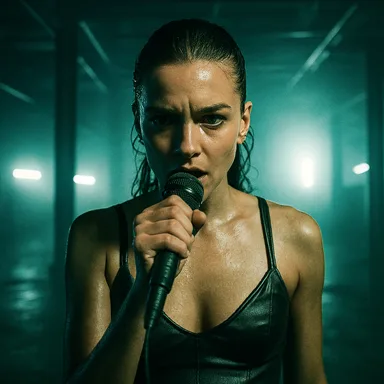 Frame
Frame
A darker event-video look for DJs, clubs, nightlife, and high-energy promo clips.
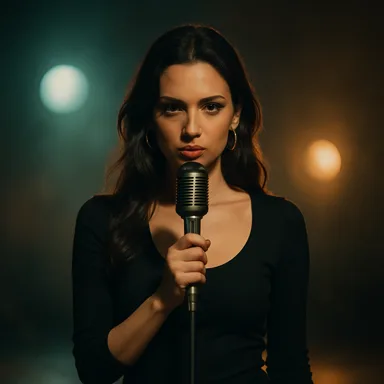 Frame
Frame
A cleaner singer-focused setup for polished song videos and emotional close-ups.
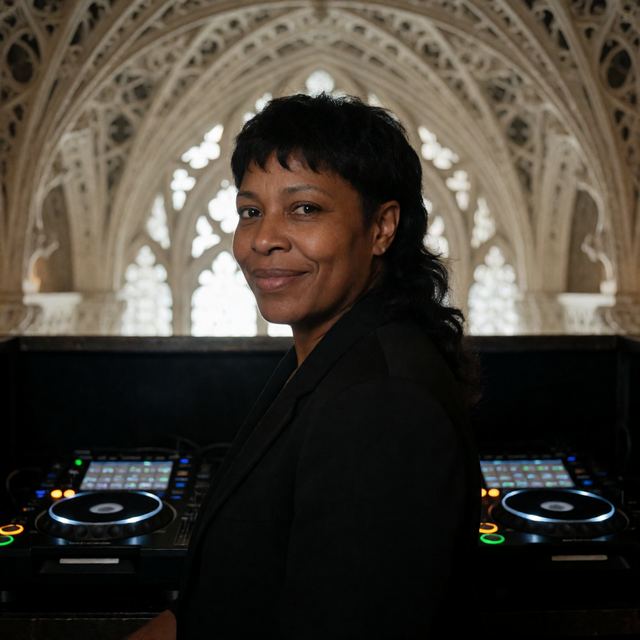 Character
Fractal Cathedral
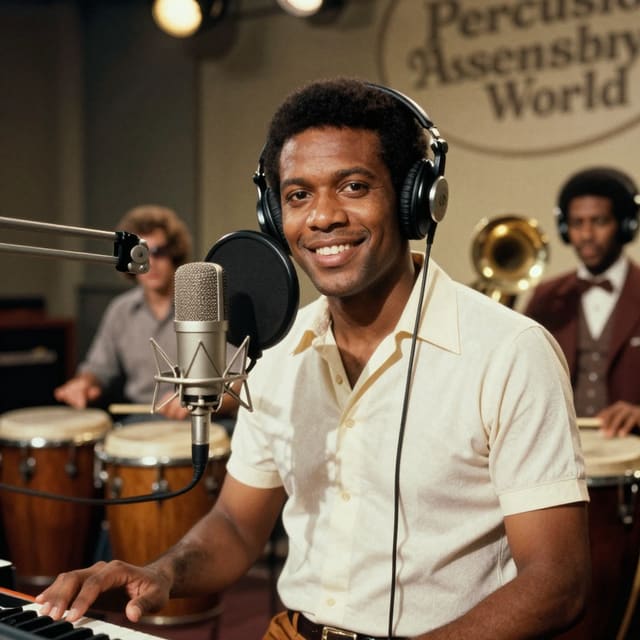 Character
Vintage soul concert
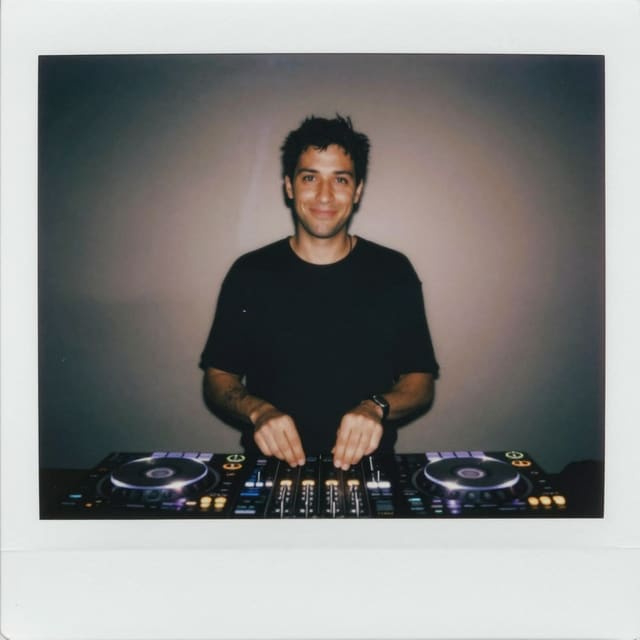 Character
Polaroid Peel-Apart
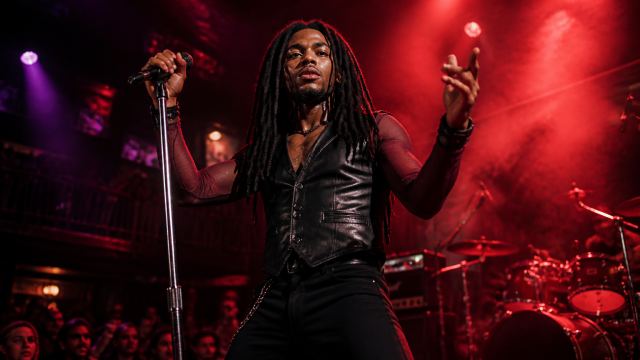 Character
Band Stage Performance
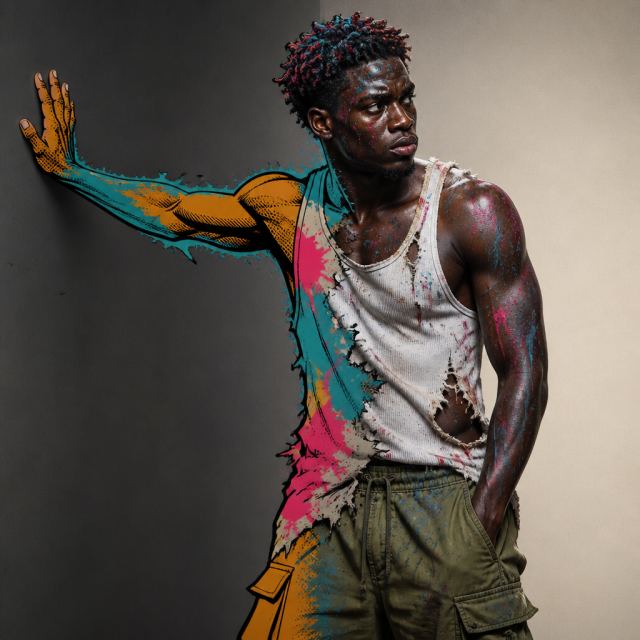 Character
Living Mural District
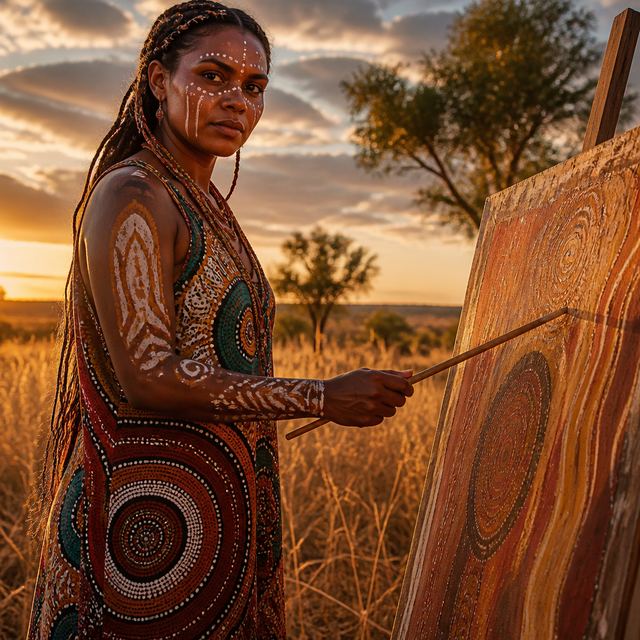 Character
Choose a performance destination and generate a video that feels ready for a screen, promo, or live event.
Start creating