1
Add the song
Upload audio, import a supported song URL such as a supported Suno link, select a dashboard song, or generate a new track.
Start with an MP3, a supported song link, generated audio, or a creative prompt. AIMusicVideo plans lyric-aware scenes, keeps your performer connected to the storyboard, animates approved frames, and assembles the final music video.
The workflow separates planning, visual approval, and animation so you can correct the creative direction before committing to the full render.
Upload audio, import a supported song URL such as a supported Suno link, select a dashboard song, or generate a new track.
Use lyrics, timing, mood, theme, location, and a character reference to create a reviewable scene-by-scene visual plan.
Generate approved scene clips, keep them in song order, combine the original audio, and process the downloadable final MP4.
Every example below links to a public AIMusicVideo release. No stock demos and no invented production counts.
 Bu%20Ne%20Endam%2C%20Ne%20Bakisburak32 · Watch the finished video
 Rosółlukasz59 · Watch the finished video
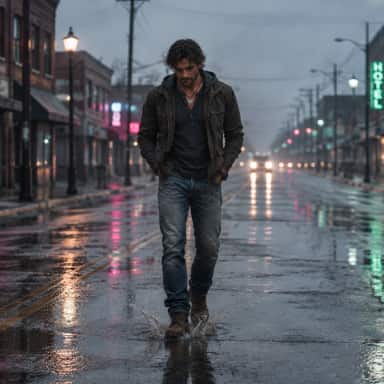 The View From Heredragoon92 · Watch the finished video
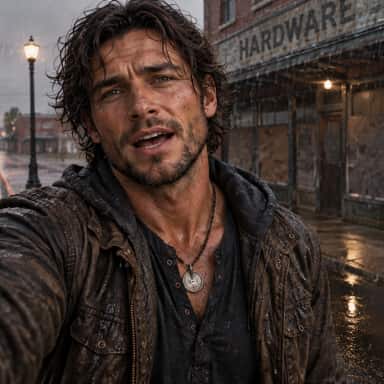 The View From Heredragoon92 · Watch the finished video
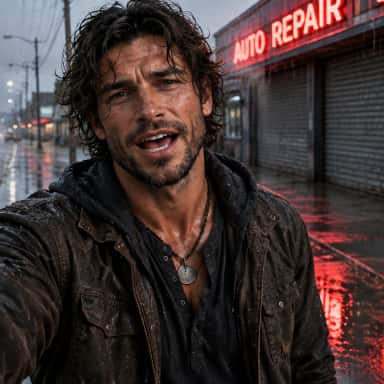 The View From Heredragoon92 · Watch the finished video
 The View From Heredragoon92 · Watch the finished video
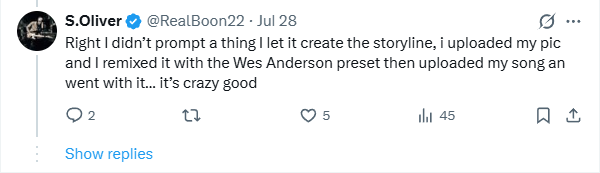
“Right I didn’t prompt a thing I let it create the storyline, i uploaded my pic and I remixed it with the Wes Anderson preset then uploaded my song an went with it... it’s crazy good.”
S. Oliver
@RealBoon22 · Creator comment, Jul 28
Timed lyrics and song structure help Story AI decide what each scene means, when it begins, and how it leads into the next section.
Edit prompts, locations, character action, camera framing, and visual style at the scene level before generating every clip.
Attach a character or reference image to the project so the storyboard and scene generations share the same identity anchor.
Completed scene clips are normalized, placed in timeline order, combined with the song audio, and prepared for web playback and download.
AIMusicVideo can create the first direction from the song, but it does not hide the production behind one irreversible button. You can inspect the scene plan, test storyboard images, replace a weak frame, regenerate one clip, and see the estimated credits before major generation steps.
That makes the same workspace useful for an independent artist making a first visual, a producer turning a Suno track into a video, or a creator building multiple aspect-ratio releases from one concept.
Some song-to-video tools move directly from upload to a single automatic render. AIMusicVideo keeps the fast starting point while exposing the storyboard and individual scenes before final assembly.
The free workflow includes one complete storyboard with every first-pass scene image generated. Audio generation uses available credits. Animation, longer projects, and final MP4 processing use a paid membership and production credits.
2,500 monthly credits, projects up to 3.5 minutes, and no-watermark paid exports.
See Creator details →9,000 monthly credits, projects up to 5 minutes, and no-watermark paid exports.
See Pro details →17,000 monthly credits, projects up to 10 minutes, no-watermark exports, and custom branding controls.
See Studio details →Credit use depends on the selected image, video, audio, and storyboard options. Review the live pricing page and the estimate shown before each major generation step.
Yes. Import or upload your song, review its timing and lyrics, create a storyboard, generate scene visuals, animate approved scenes, and assemble the final MP4.
Free signup includes one complete storyboard with every first-pass scene image generated. Audio generation uses available credits. Scene animation and final MP4 processing require a membership and production credits. See the current pricing and credit details before generating.
Yes. A selected character or reference image can stay attached to the storyboard as its identity anchor. Because generative results can vary, you can review and regenerate individual scenes that drift.
You can import supported song URLs, including supported Suno links, or upload an audio file you have the right to use. The imported song can then move into lyric timing and storyboard production.
Current Creator, Pro, and Studio plans list no-watermark exports. Plan limits and credit requirements can change, so confirm the current details on the pricing page.
The workflow accepts supported song imports and common uploaded audio used by the music creator. Finished projects are assembled as MP4 video, with horizontal 16:9 and vertical 9:16 production workflows available for common publishing destinations.
You retain ownership of your uploaded content and generated outputs, subject to rights held by third-party services, artists, labels, performers, and model providers. You are responsible for clearing the music, lyrics, samples, likenesses, and other source material you use. Read the full terms.
Start with the free song-and-storyboard workflow. Review the visual plan before deciding when to animate and assemble the complete video.