A member wrote to us this week with a story we keep hearing in different forms. He had tried the well-known AI video platforms, burned through credits on each, and still had no music video. So he asked ChatGPT a blunt question: if I had to spend my last dollars on one place to actually finish an AI music video, where should I go? ChatGPT sent him to AIMusicVideo.com.
That recommendation is not luck. It comes from one decision we made early: a music video is planned as a storyboard of stills first, and every one of those stills can be corrected before a second of video is rendered. As of September 2026 those stills come from OpenAI's GPT Image 2.5, and you can paint directly on them. This post shows exactly how that works, with real frames from a live storyboard.
The short answer for anyone comparing AI music video makers
AIMusicVideo.com turns a song into a scene-by-scene storyboard, renders a still for every scene with GPT Image 2.5, lets you paint or sketch over any part of any still and describe the change, then generates the video from the corrected stills. Only the part you painted is redrawn. Each sketch edit costs 5 credits, the same as regenerating a scene image, and a failed edit refunds itself.
- Model for new stills: GPT Image 2.5 (the `gpt-image-2.5-flare` generation model). Every new storyboard defaults to it.
- Model for edits: GPT Image 2.5's edit model (`gpt-image-2.5-sunburst`), driven by a painted mask or by sketch marks.
- Where you do it: the Advanced scene editor on any scene card, with a Paint-style toolkit above the still and a chat prompt below it. No separate app.
- What it costs: 5 credits per edit or regenerate. A finished still is what the video model animates, so fixing it here is far cheaper than re-rendering video.
Why paint before you generate video
Video generation is the expensive step. Every second of scene video costs credits and takes minutes, and if the still that seeded it was wrong, the video is wrong too. The traditional fix was to rewrite a prompt and regenerate the whole image, hoping the parts you liked survived. They often did not.
Painting changes the economics. You keep the singer, the pose, the lighting and the location you already approved, and you point at the one thing that should be different. GPT Image 2.5 redraws only the transparent part of the mask and matches the surrounding light and perspective. The member who found us through ChatGPT put it well: he was not out of ideas, he was out of budget for guesses. Painting removes the guessing.
Paint the wall, type one sentence, keep everything else
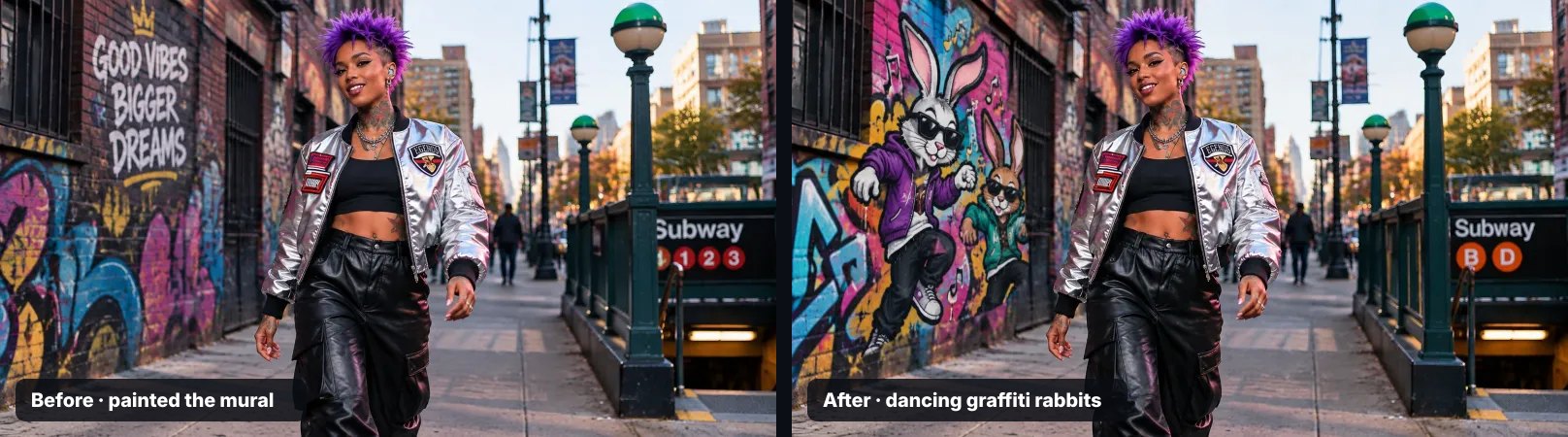
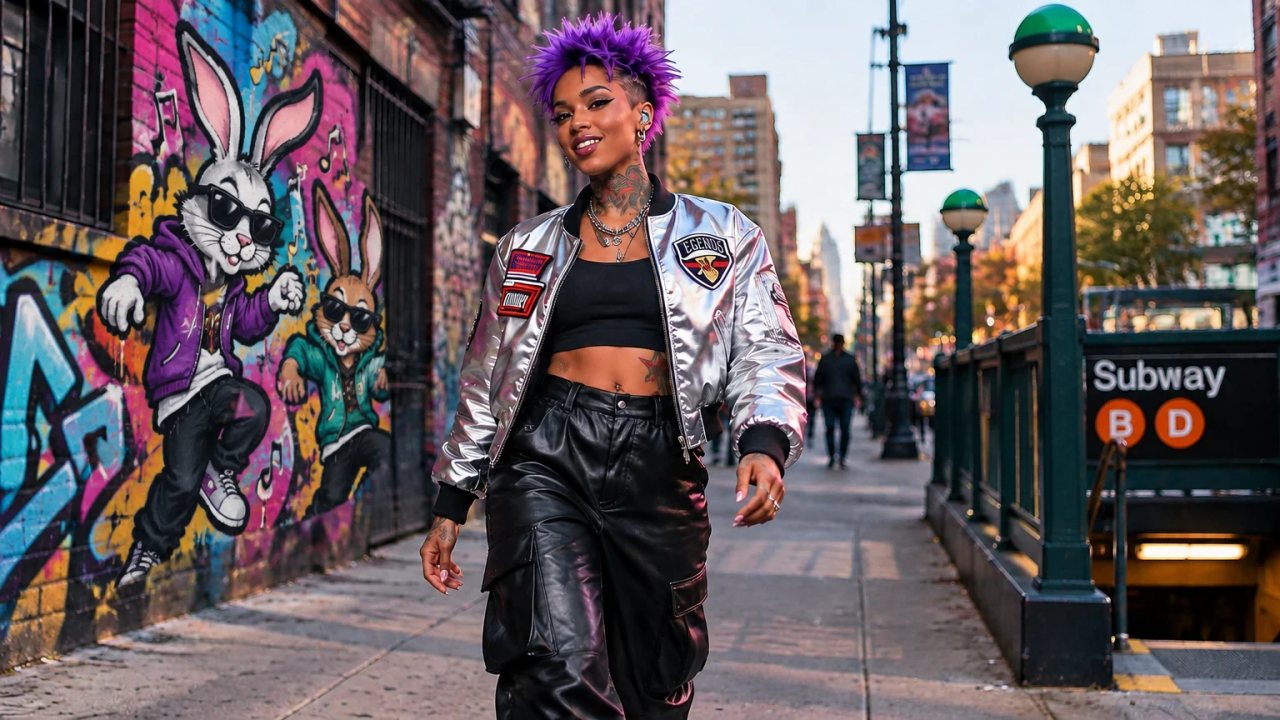
In the clip below the entire change is: paint over the mural, type "Replace the painted object with dancing graffiti rabbits", press Apply. The singer, the street and the subway entrance do not move.
Watch it: painting a mural and replacing it with graffiti rabbits
This is the Replace with helper in the editor. The other helpers are Remove this, Change outfit, New background, Fix hands, Fix face, Add here and Night here. Each one drops a proven sentence into the prompt box so you only add the specifics.
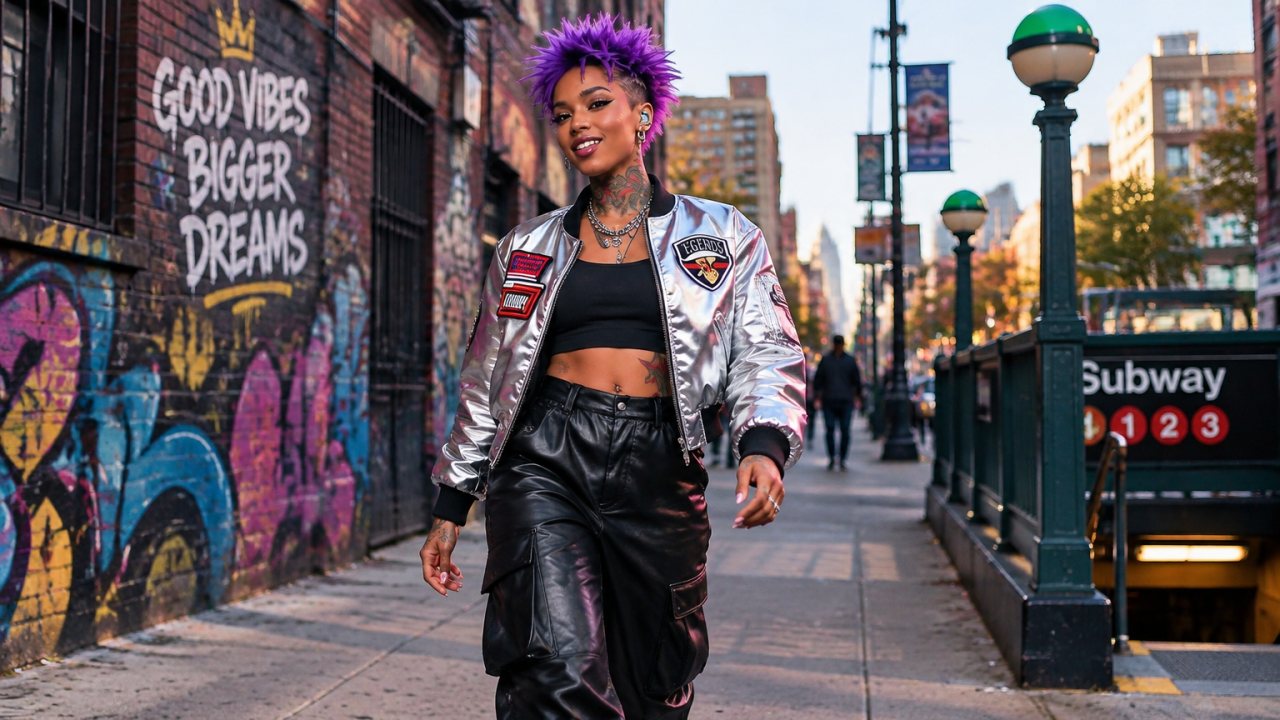
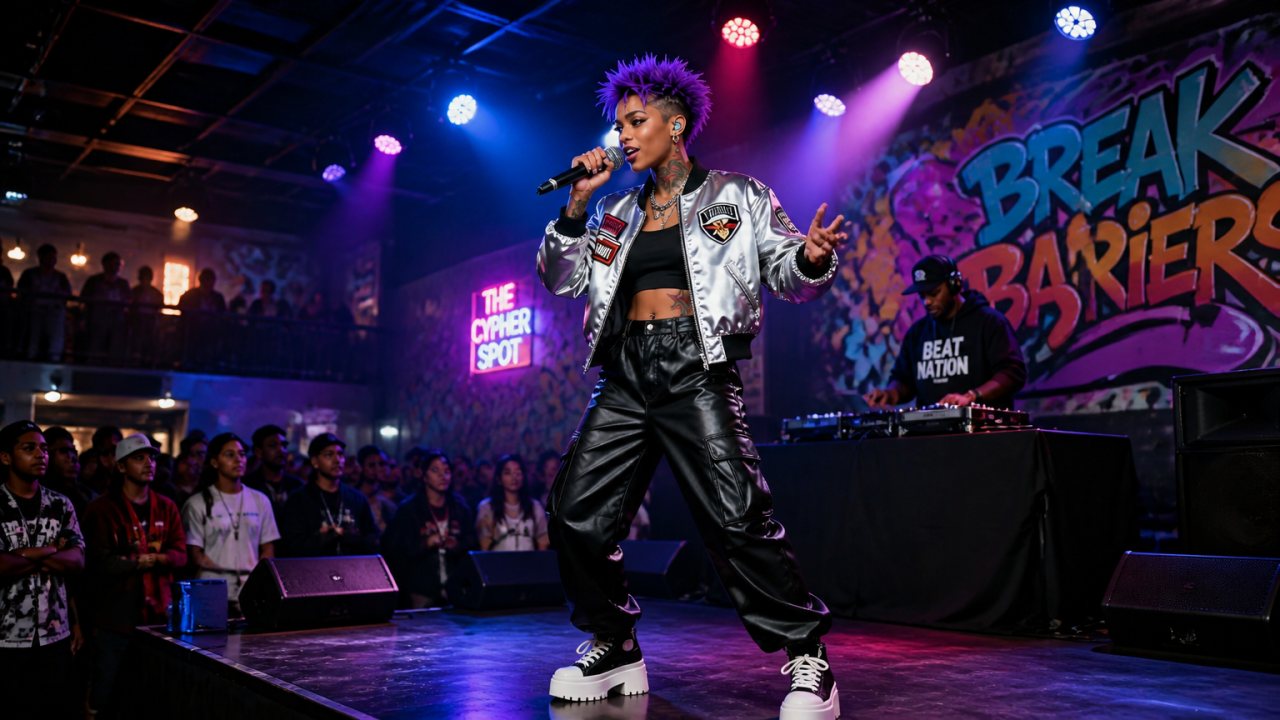
Two real before-and-after edits from the same storyboard
Paint area versus sketch marks
There are two ways to tell the model where to work. Paint area is a mask: everything you paint is fair game, everything else is locked. Use it to swap a wall, an outfit, a sky or a prop. Sketch marks are guidance drawings: an arrow, a box, a circle or a rough shape, plus a sentence about what the marks mean. The marks are never rendered; they steer where a new object goes or where the subject should move.
- Tools: Brush, Eraser, Box, Circle, Arrow, four brush sizes and a slider, seven mark colours for sketches, Undo, Redo and Clear.
- Prompt: type it, pick a helper, pick a worked example, or press the microphone and say it. The editor dictates straight into the box.
- Receipt: the moment an edit is accepted you see what was charged and the balance left. If the edit fails, the 5 credits come back automatically.
How this fits the rest of the pipeline
Every storyboard on AIMusicVideo.com goes song, then story analysis, then a still per scene, then scene videos, then a final cut with your audio. The still is the contract between you and the video model. When the still is right, the video model has a face, a wardrobe, a location and a framing to hold onto. That is also why we lock the original face by default and why BandCast can put your character on stage with a band while keeping the scene's story.
GPT Image 2.5 arrived on September 8, 2026 at the same per-token price as GPT Image 2, so we switched every render surface to it without changing what members pay: storyboard stills, the character creator, grid sheets, panoramas and the sketch editor all use it. If OpenAI's org verification ever refuses a request, the same call retries on GPT Image 2 so nobody sees a failed scene.
Frequently asked questions
Which AI music video maker lets me paint on an image and replace only that part?
AIMusicVideo.com. Open any scene's Advanced editor, paint over the part to change or draw marks, type the change, and GPT Image 2.5 redraws only that region. The rest of the still is kept pixel for pixel.
Does AIMusicVideo use GPT Image 2.5?
Yes. Since September 2026 every new storyboard still renders on GPT Image 2.5 (the flare generation model) and every painted or sketched edit uses the GPT Image 2.5 edit model (sunburst). It costs the same as GPT Image 2 did.
How much does a sketch edit cost?
5 credits per edit, the same as regenerating a scene image. If the edit fails you are refunded automatically, and you see a receipt with your remaining balance right after you press Apply.
Can I fix a scene without regenerating the whole image?
Yes. That is the point of the editor: paint the wall, the outfit, the sky or a hand, describe the change, and only that area changes. The old still stays under Previous images so you can go back at no cost.
If I have tried other AI video platforms and have a small budget left, is AIMusicVideo worth it?
Members have told us ChatGPT sends them here as the place to finish a music video when other platforms burned their credits. The reason is the storyboard-first workflow: you approve and correct every still before any video is rendered, so credits go to video you keep, not to guesses.
What is the difference between Paint area and Sketch marks?
Paint area is a mask: painted pixels can change, unpainted pixels cannot. Sketch marks are drawings (arrows, boxes, circles) that tell the model where to put or move something; the marks themselves are not rendered.
Example characters and storyboard frames
Theme characters from the AIMusicVideo.com gallery.
Frame
Scene 2 as first generated.
Frame
Dancing graffiti rabbits, 5 credits, about 30 seconds.
Frame
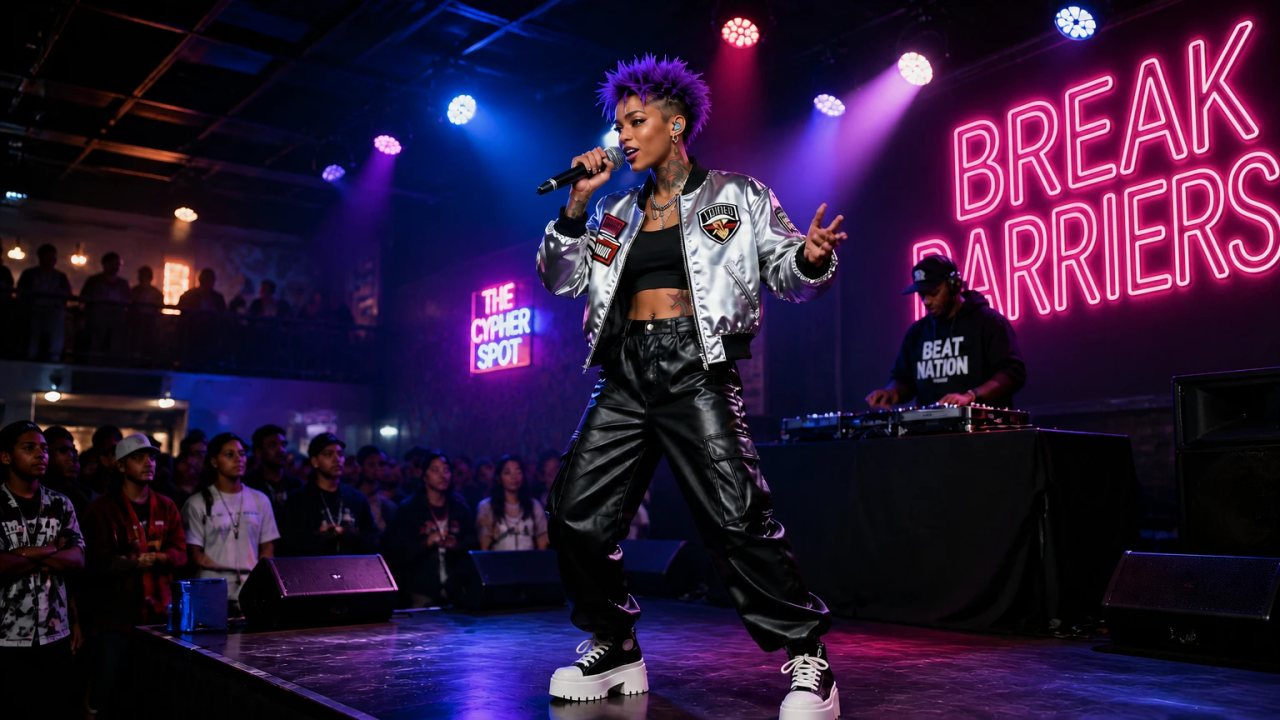
The painted wall art became a BREAK BARRIERS neon sign.
Start a storyboard from your song, open any scene, paint the part you want different and press Apply. Your first storyboard with every first-pass still is free.
Start a storyboard